
Animated caption styles
22 styles for Reels, Shorts and TikToks, from clean subtitles to one big word at a time. Every preview below is the real style, drawn by the same code that captions your video. All of them are free, with no watermark.
Highlight
The whole line stays up and the spoken word is marked: a colour, a box, an underline, a glow or a sweep.
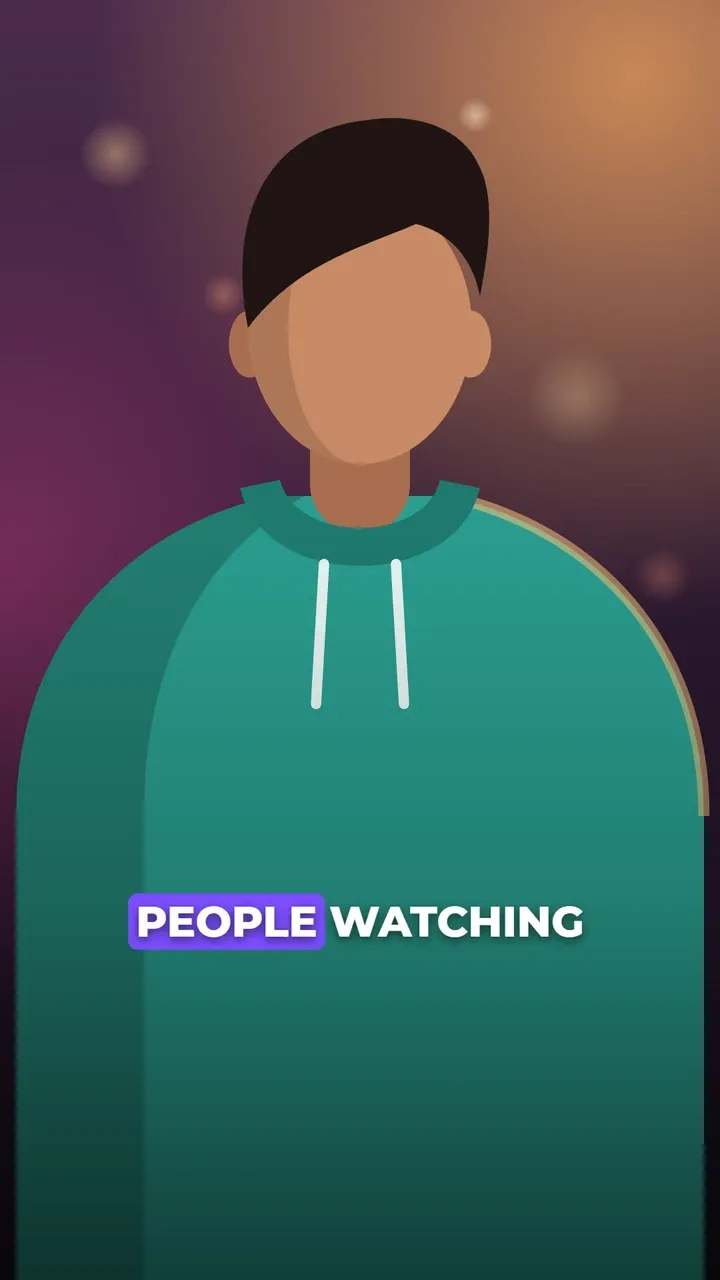
Box highlight captions
A coloured box slides behind the spoken word.
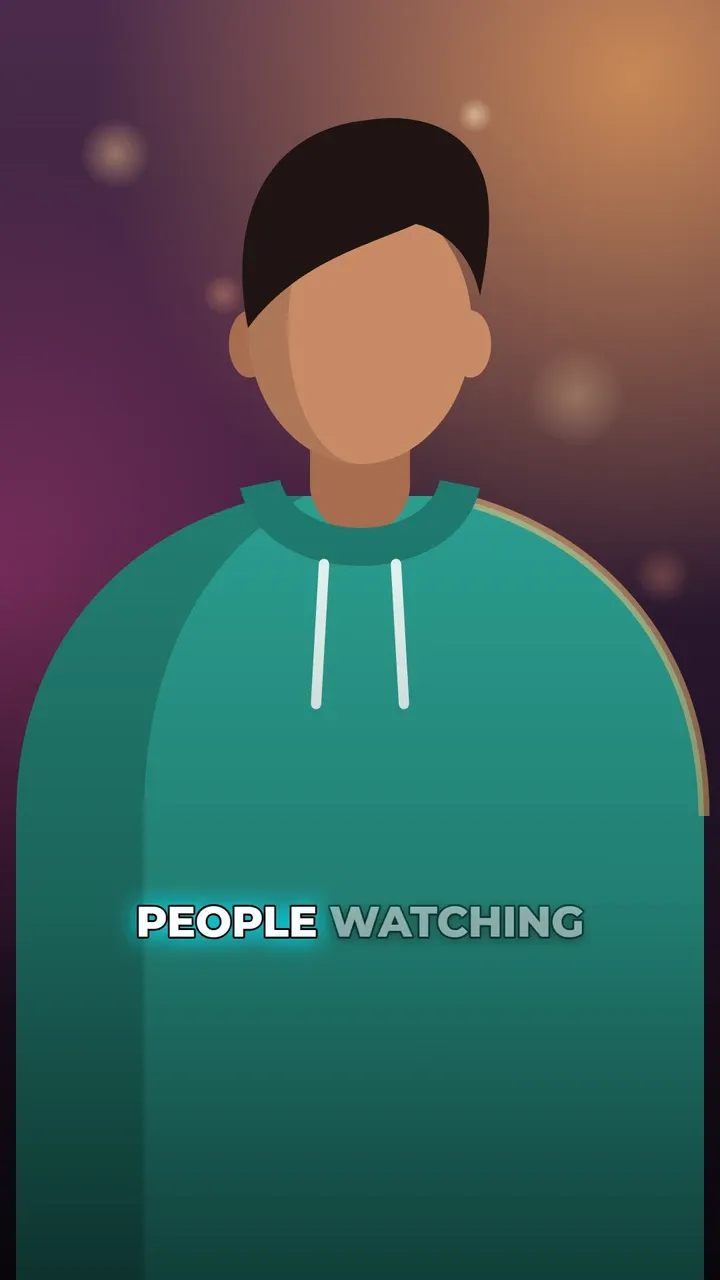
Glow captions
The spoken word glows; the others are dimmed.
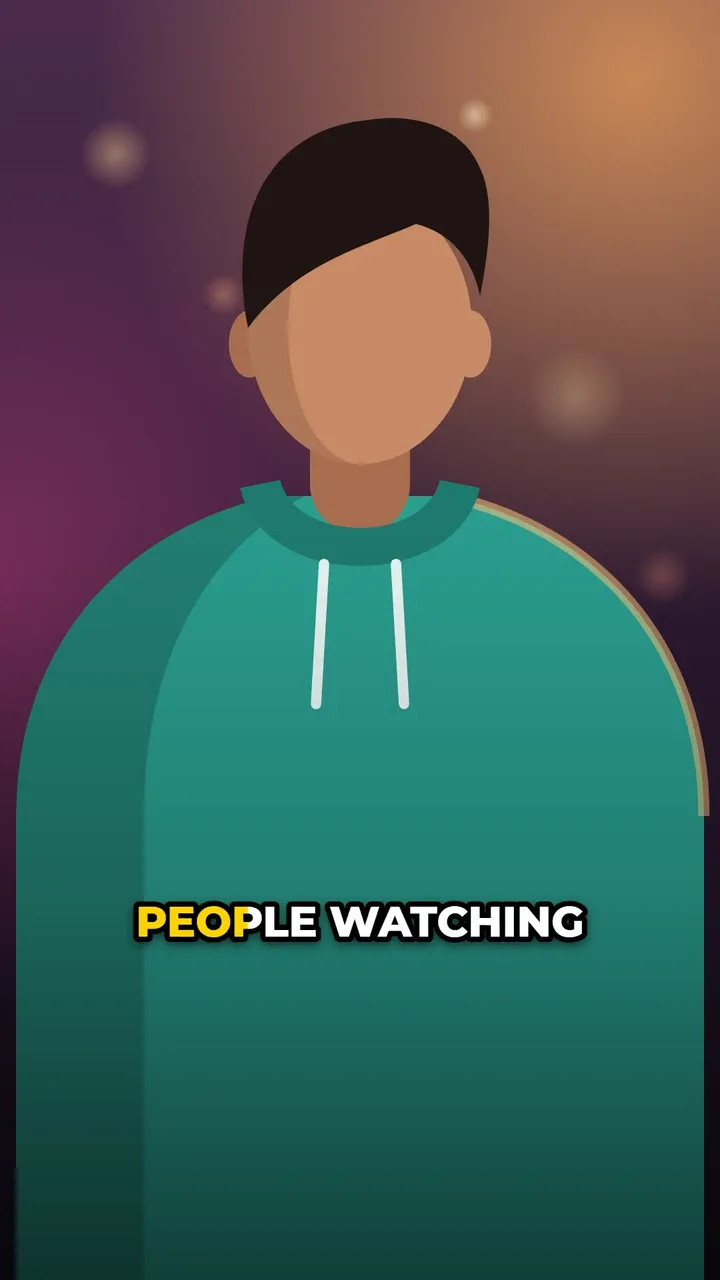
Gradient sweep captions
Colour sweeps across each word as it is spoken.
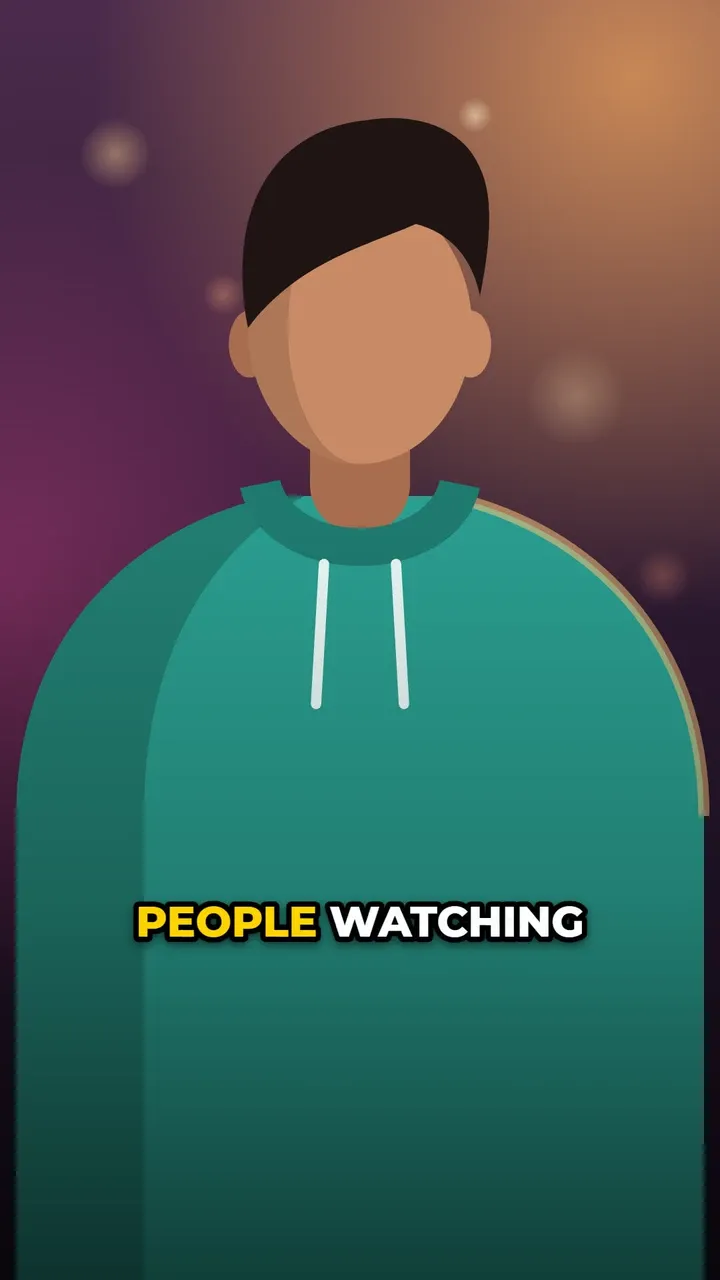
Karaoke captions
Full line visible; the spoken word changes colour.
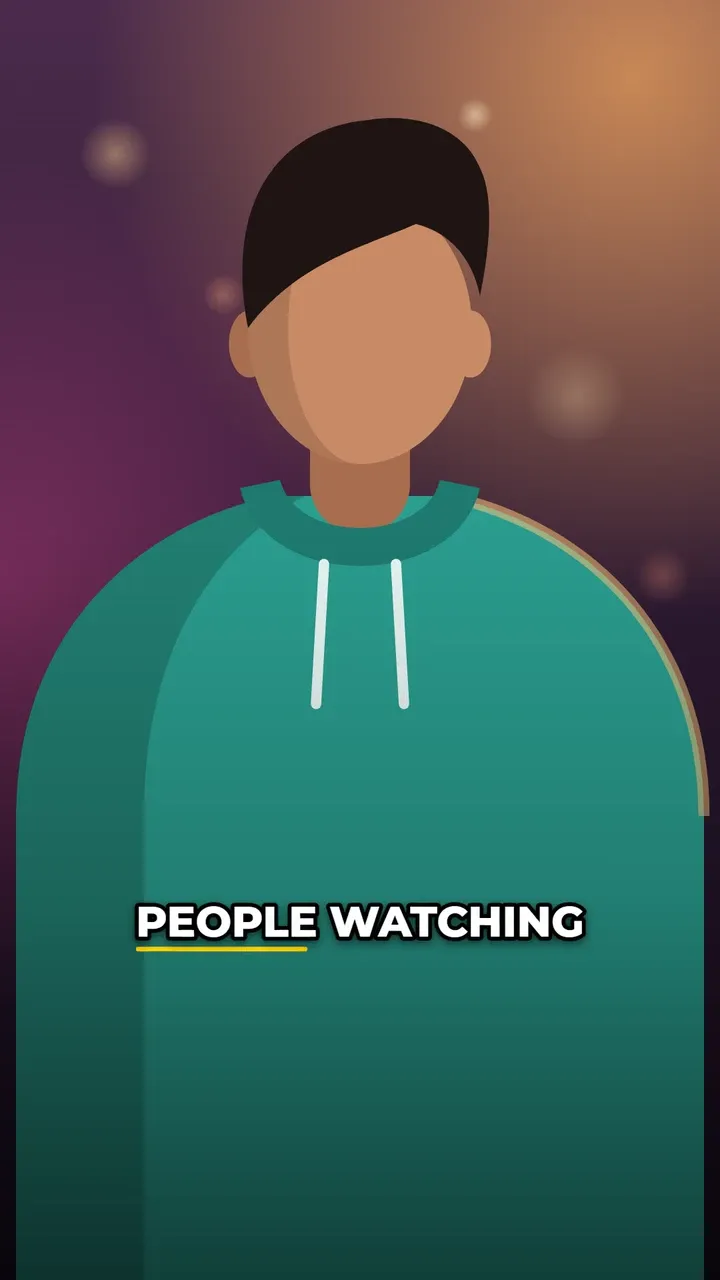
Underline sweep captions
An underline grows under the spoken word.
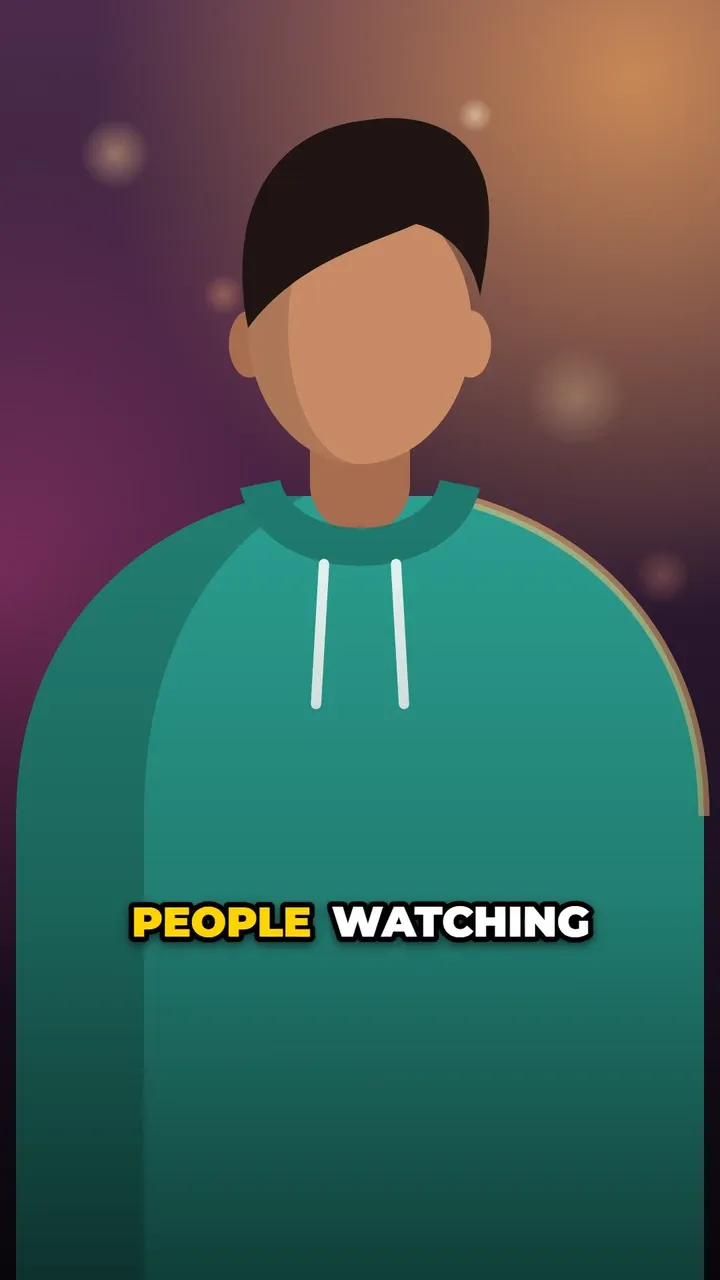
Pop & bounce
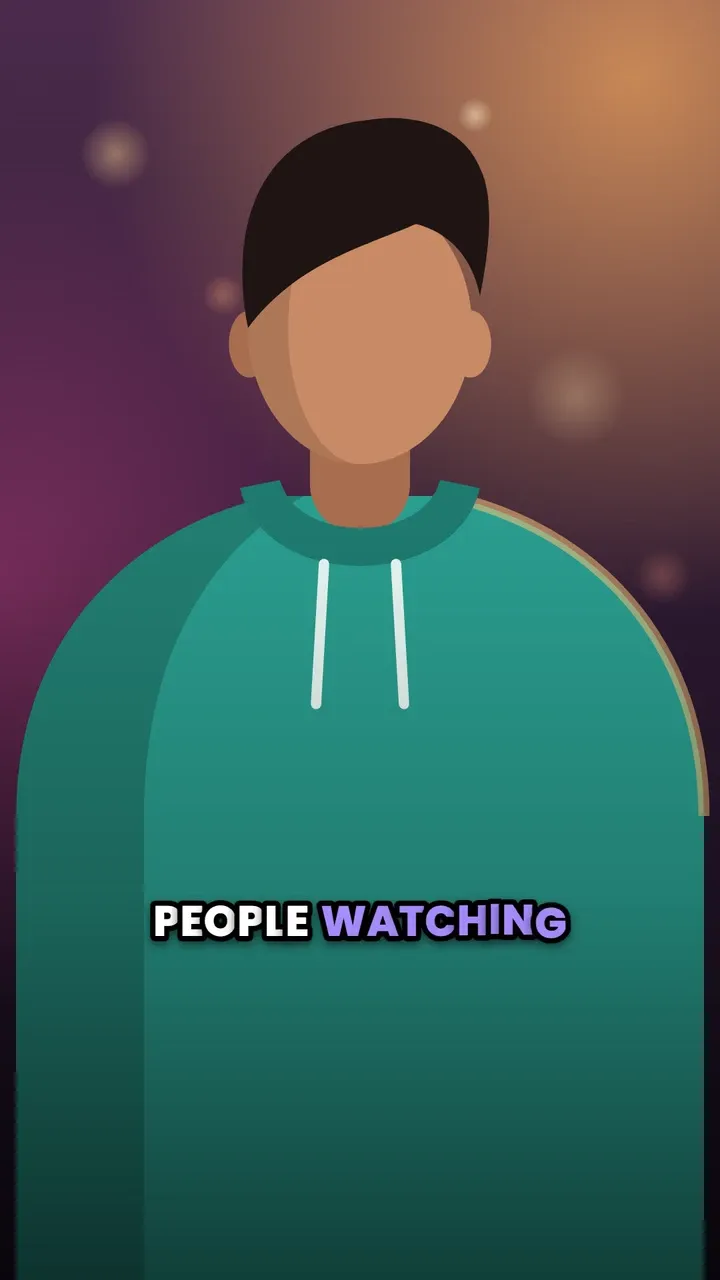
Words arrive or react with motion as they are spoken. Energetic and made for short videos.
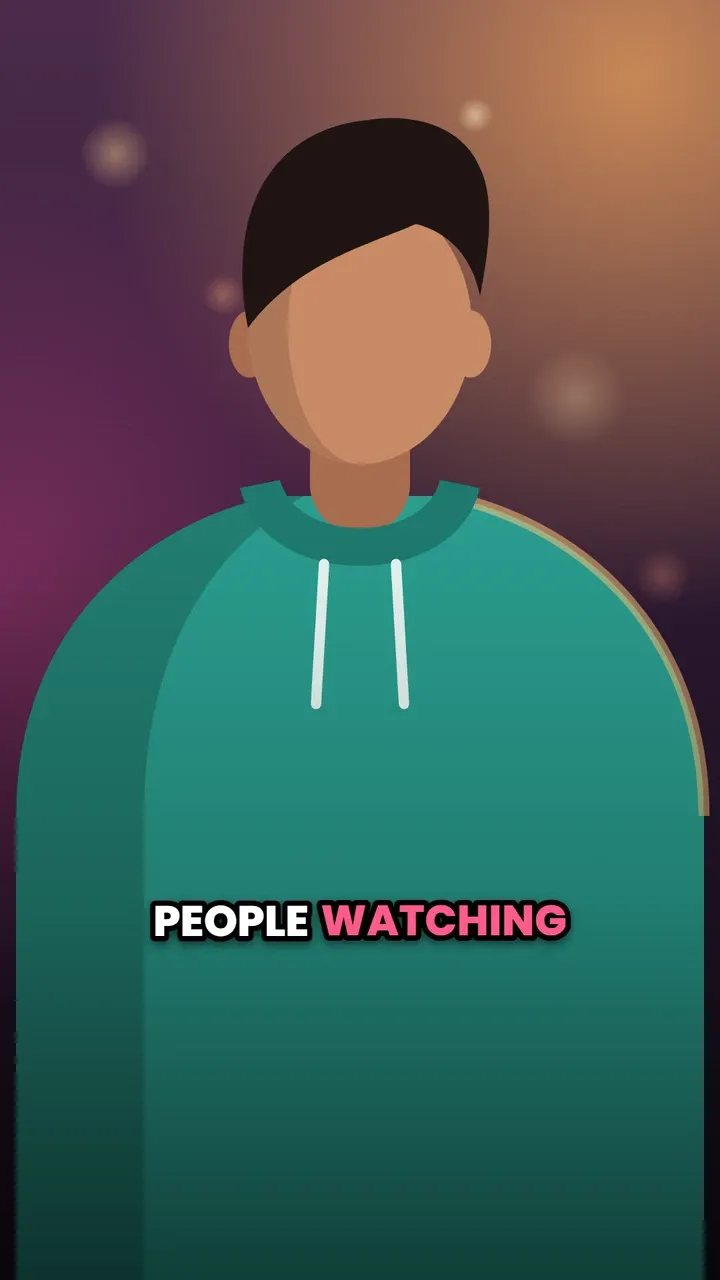
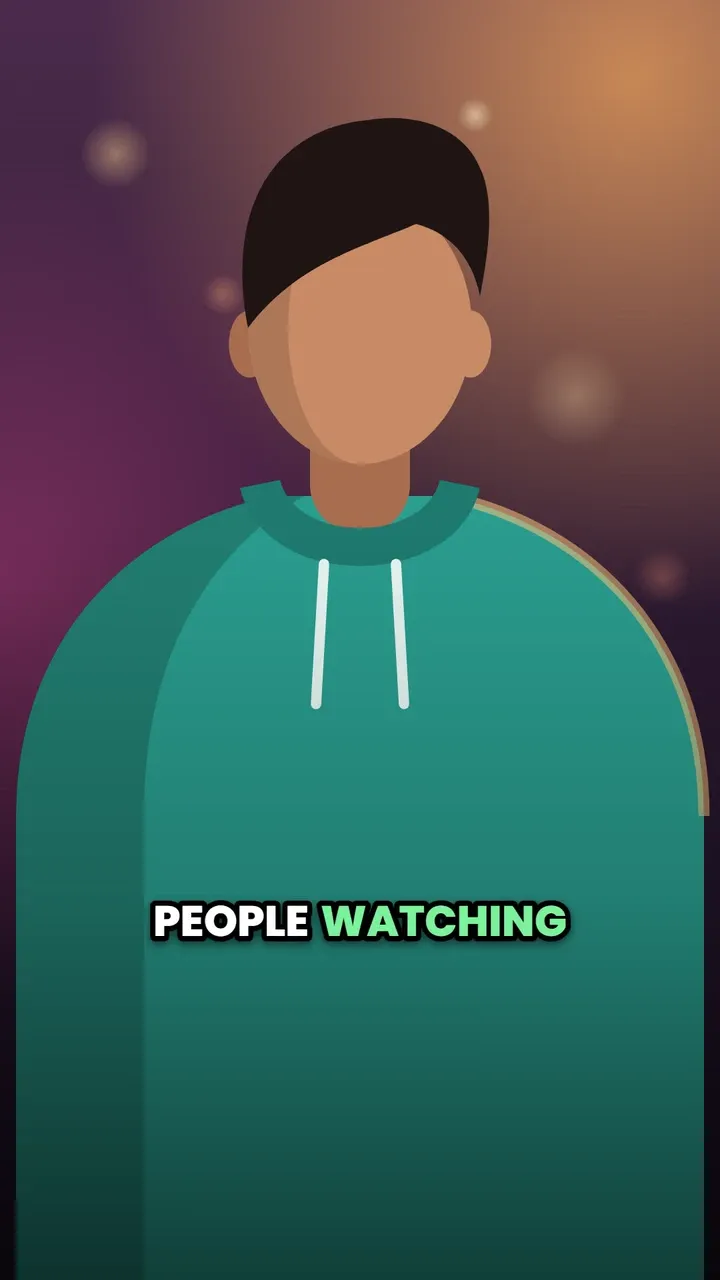
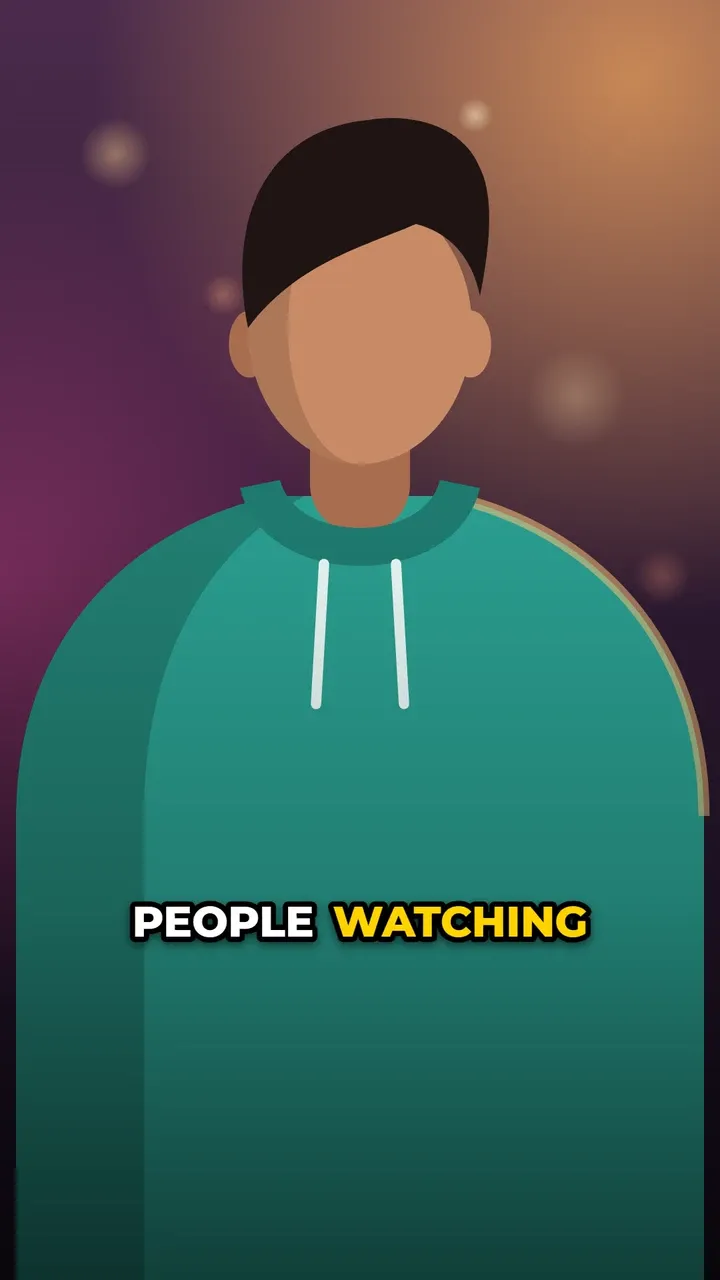
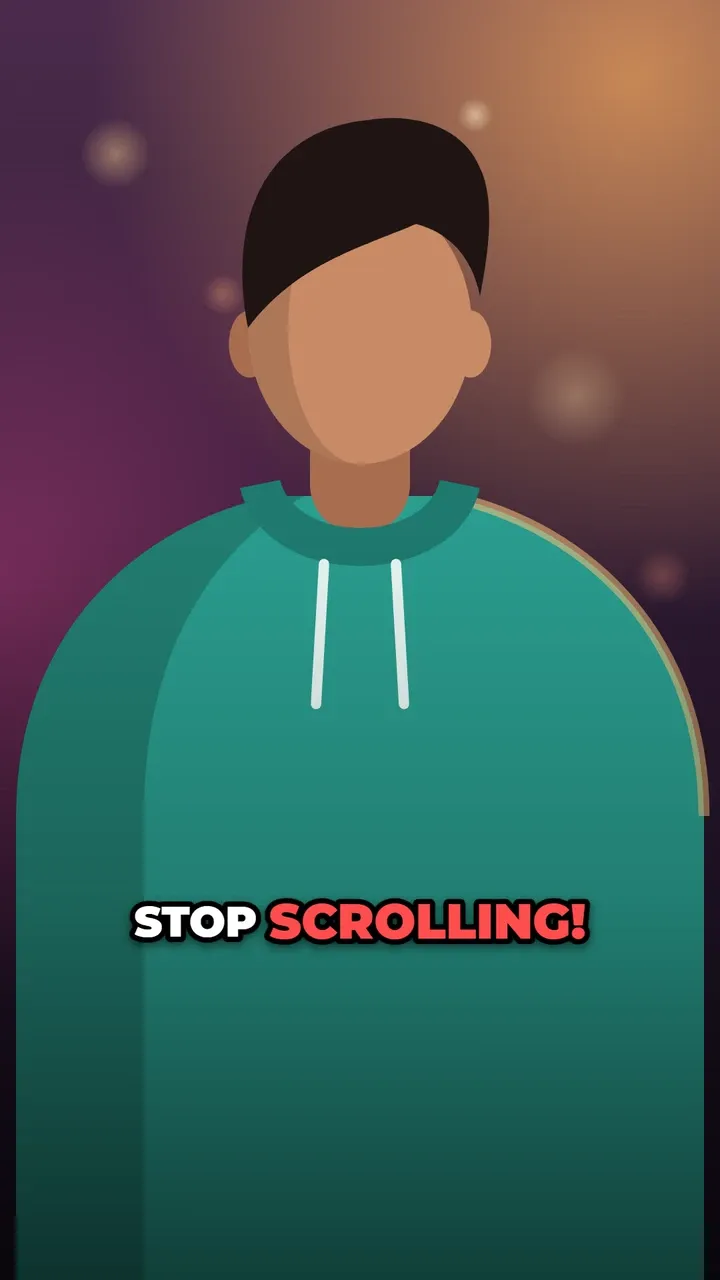
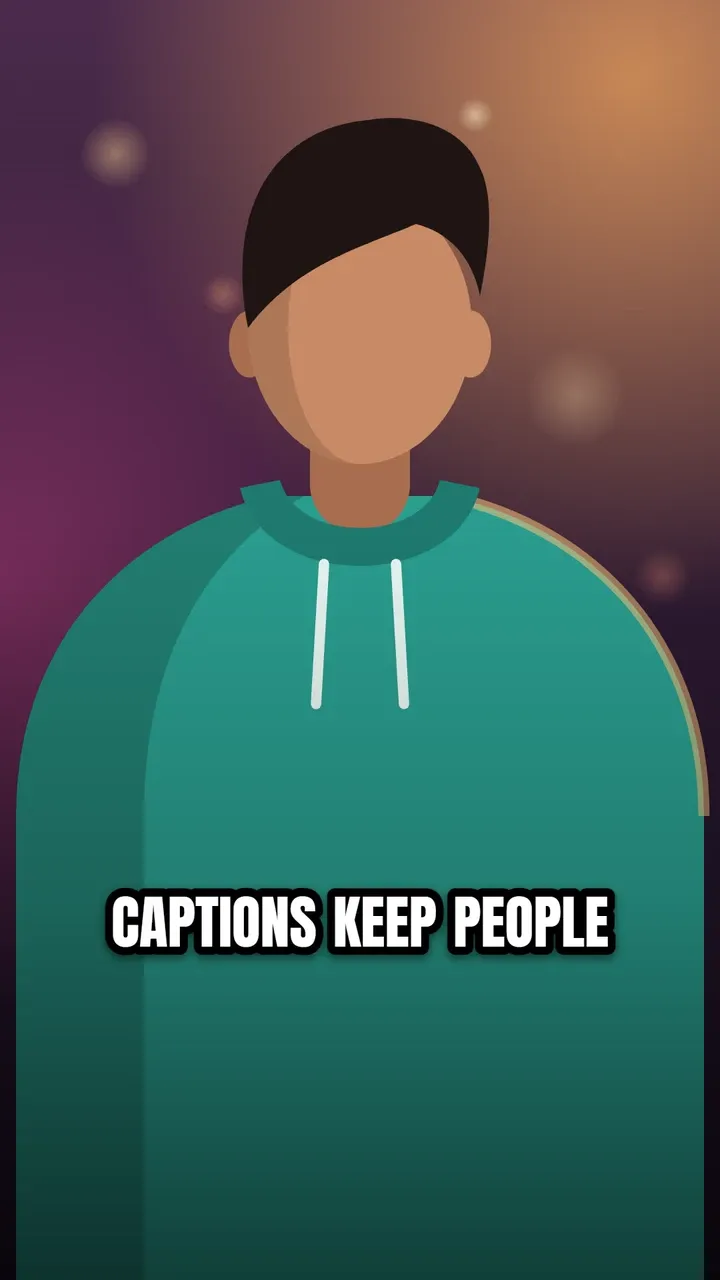
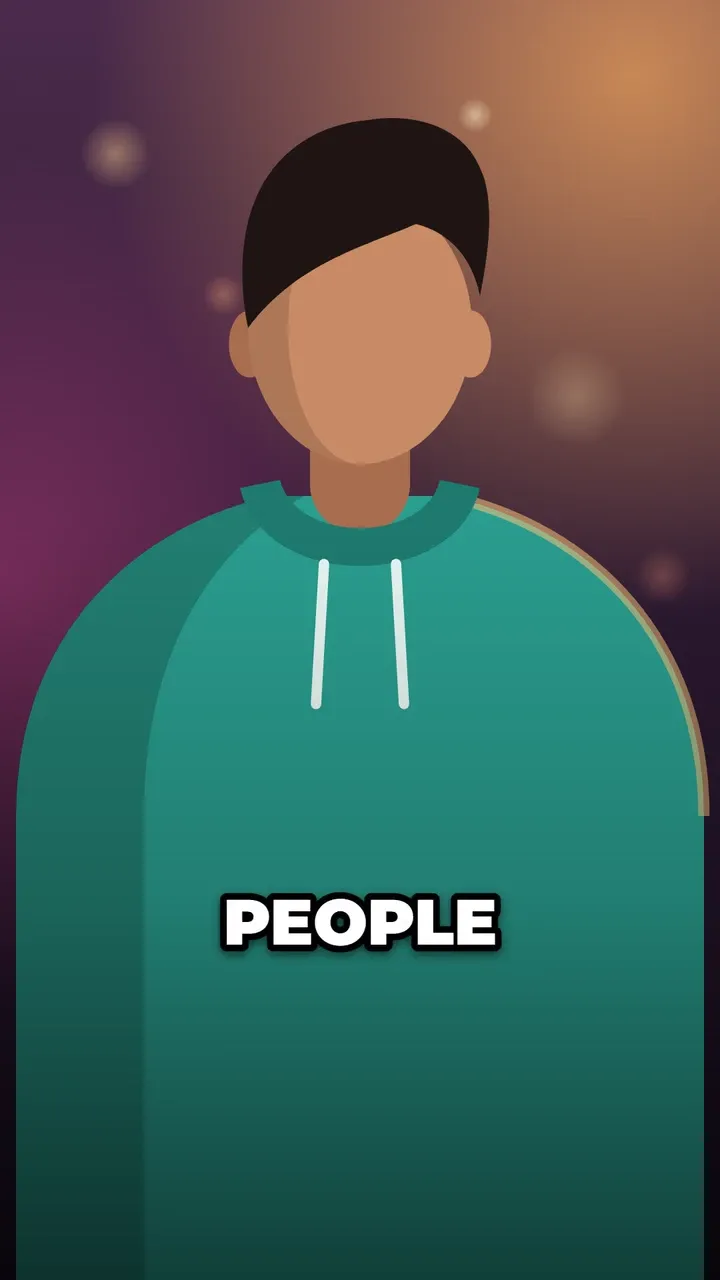
Big & bold
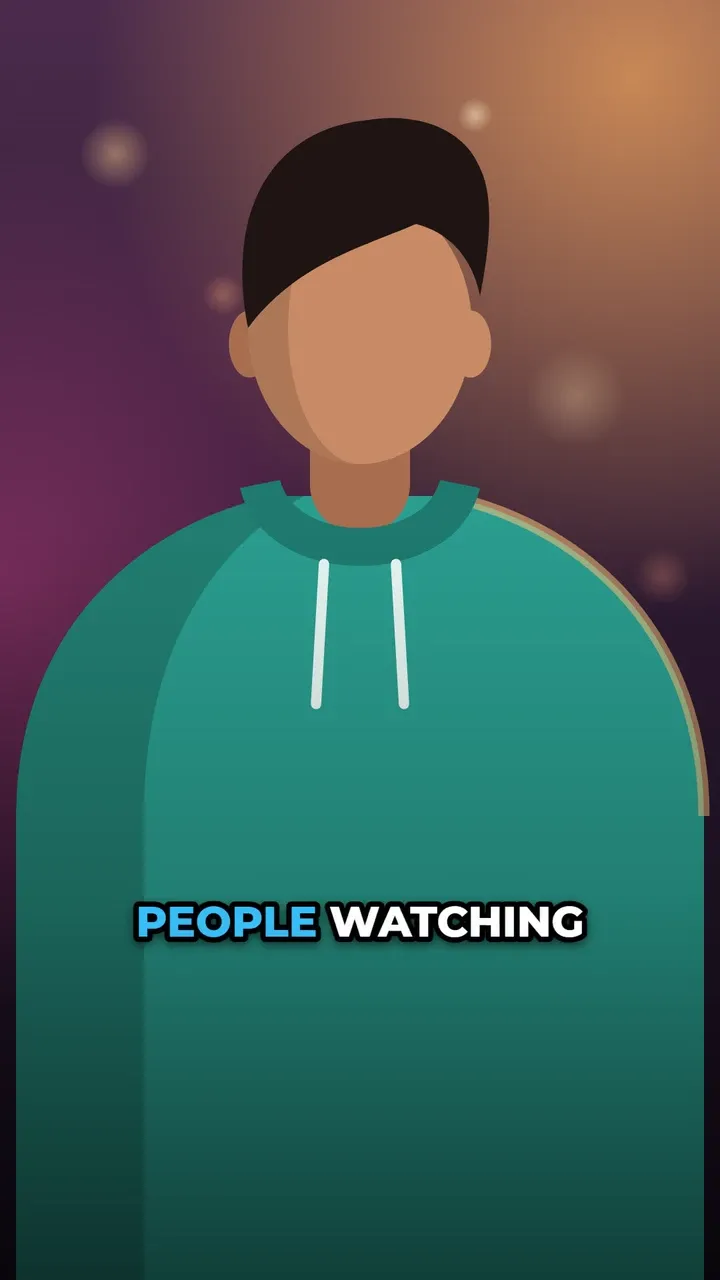
Heavy type, few words, maximum contrast. The look of high-retention Shorts.
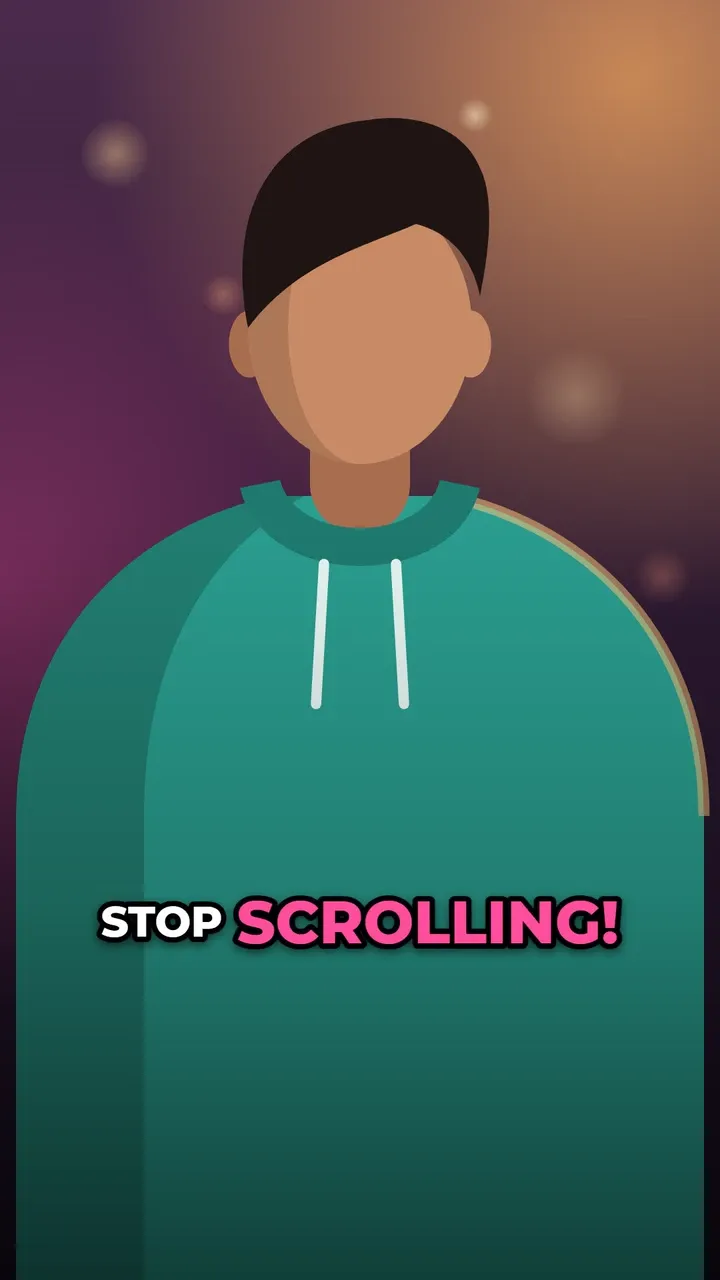
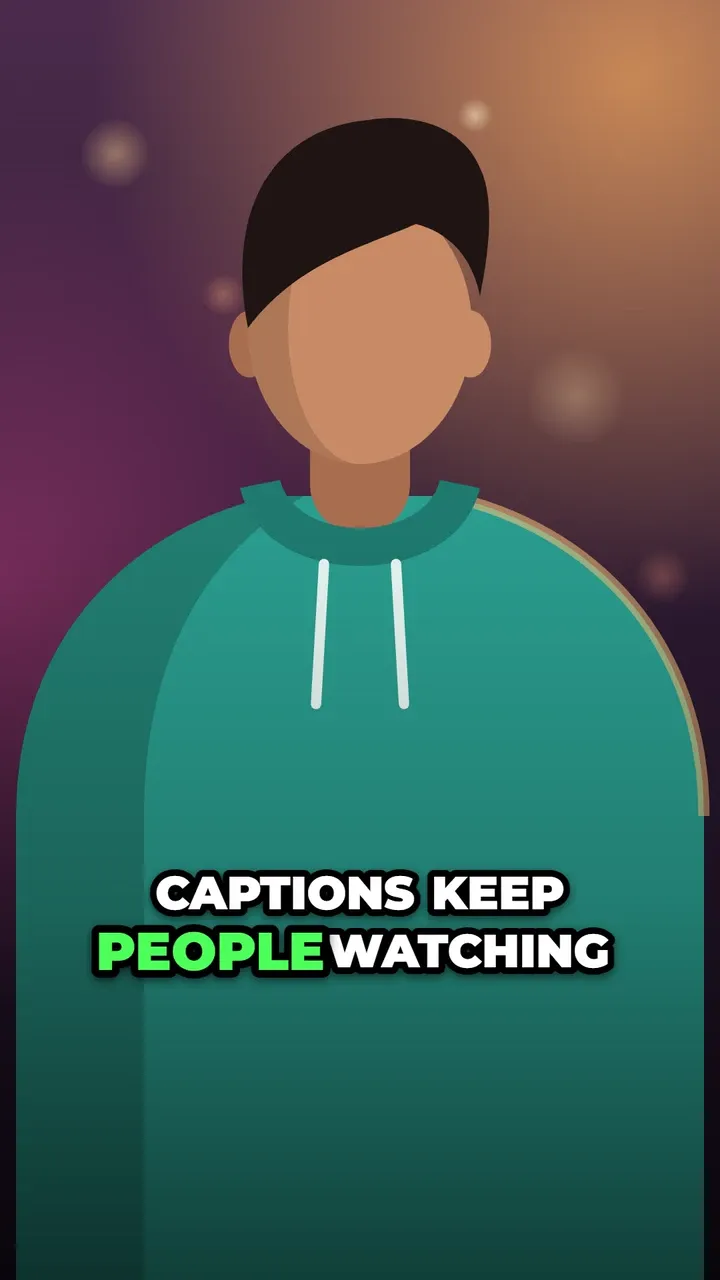
Smooth & clean
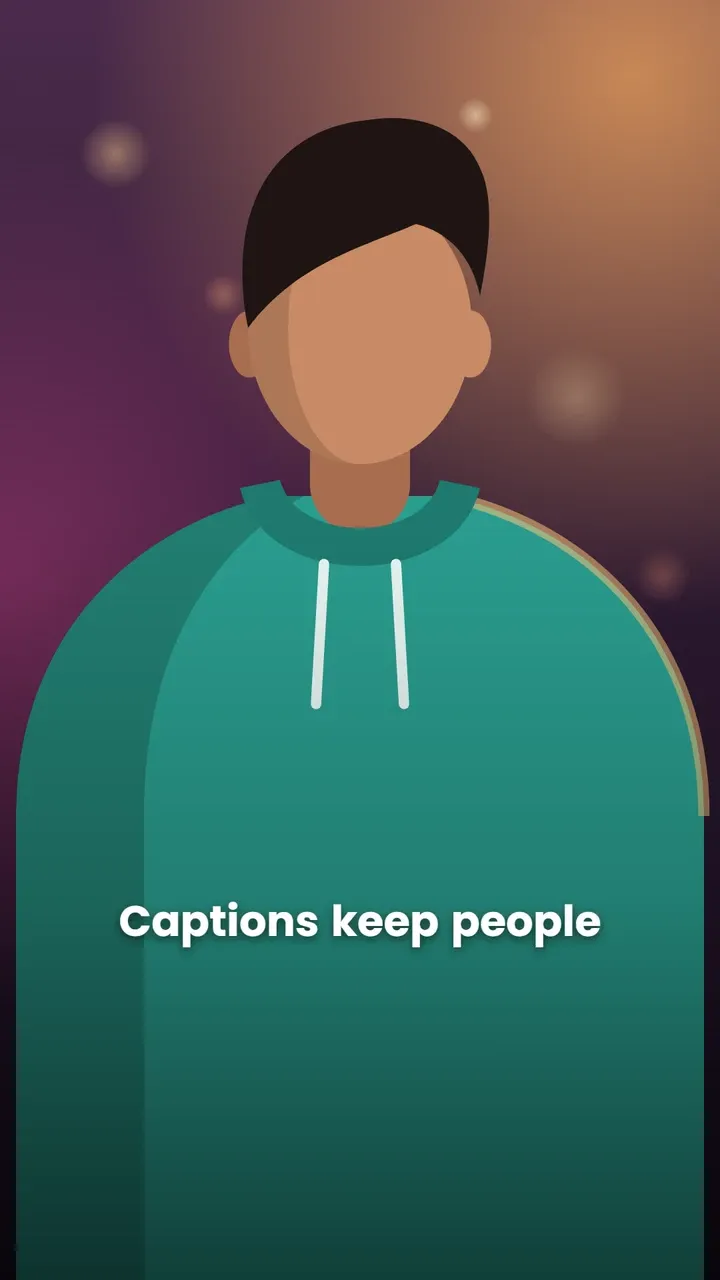
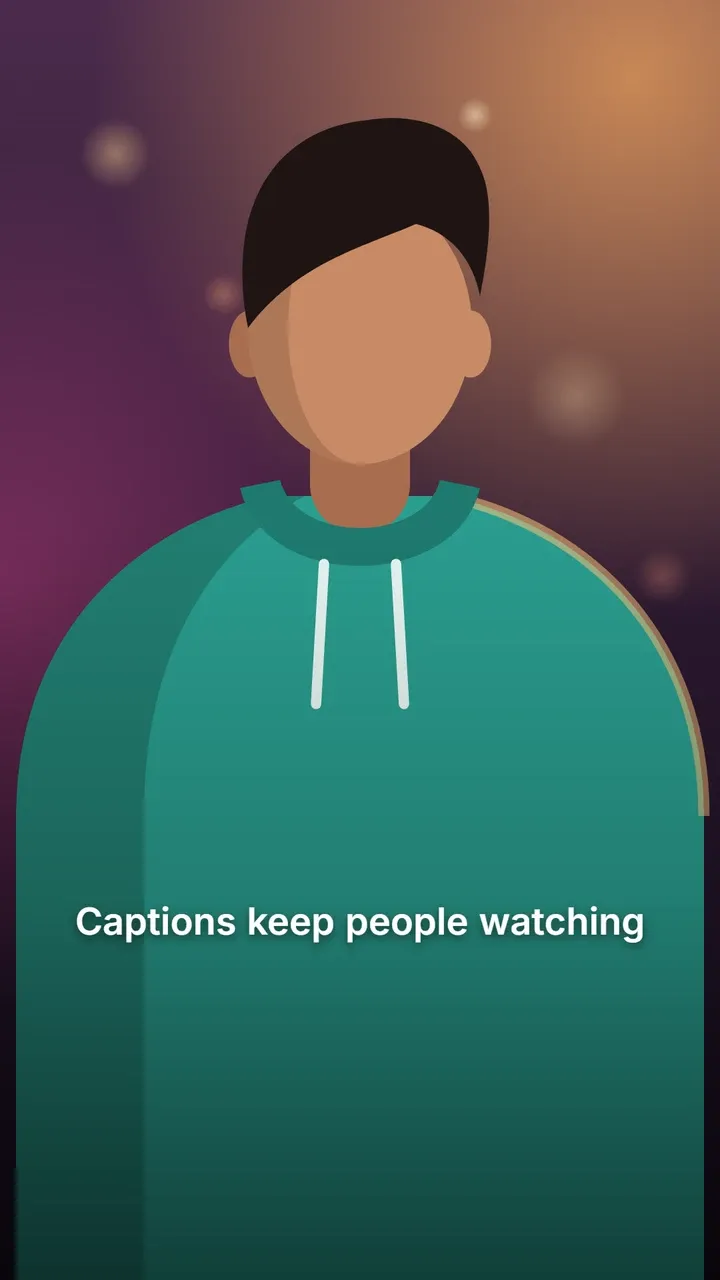
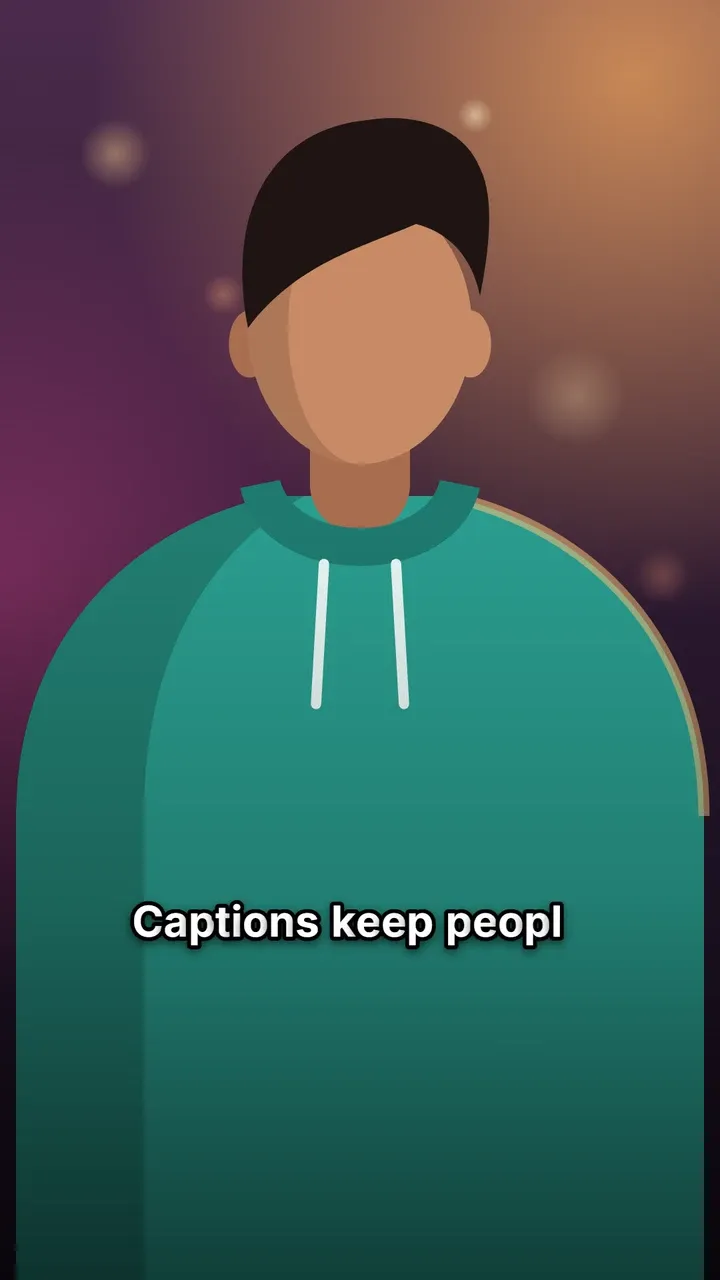
Calm, readable motion for stories, interviews and longer videos.
Boxed & framed
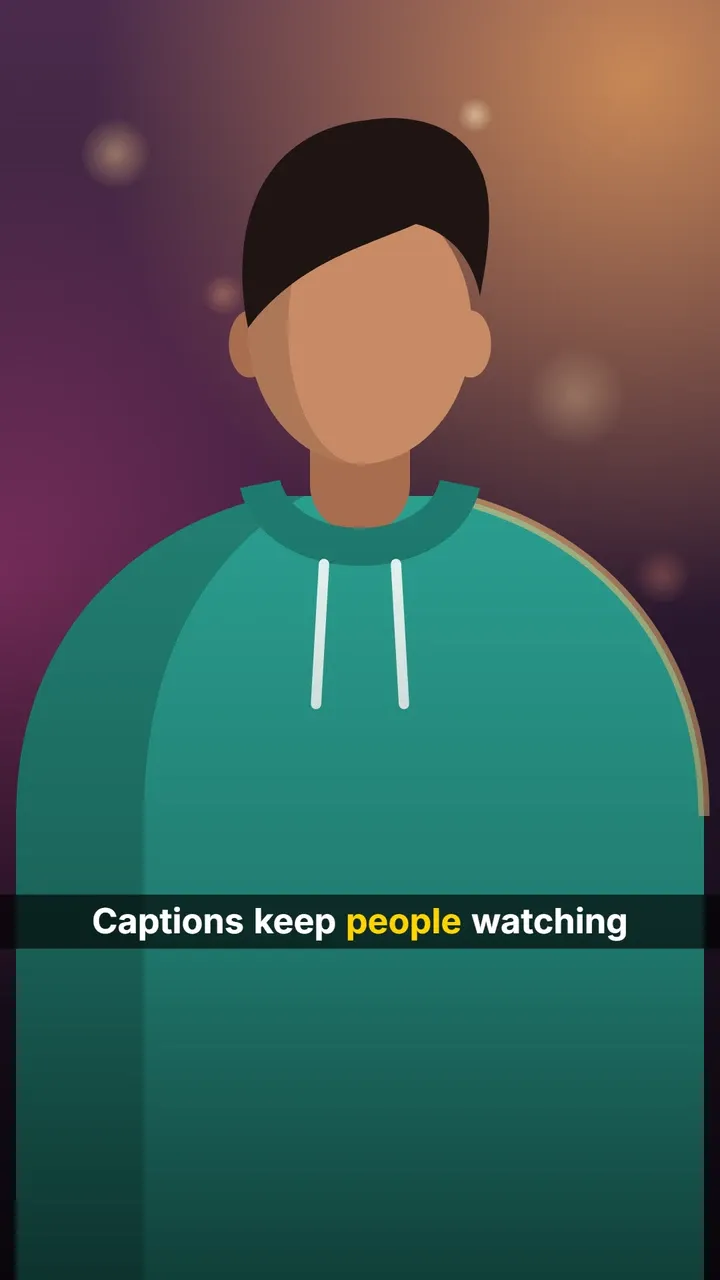
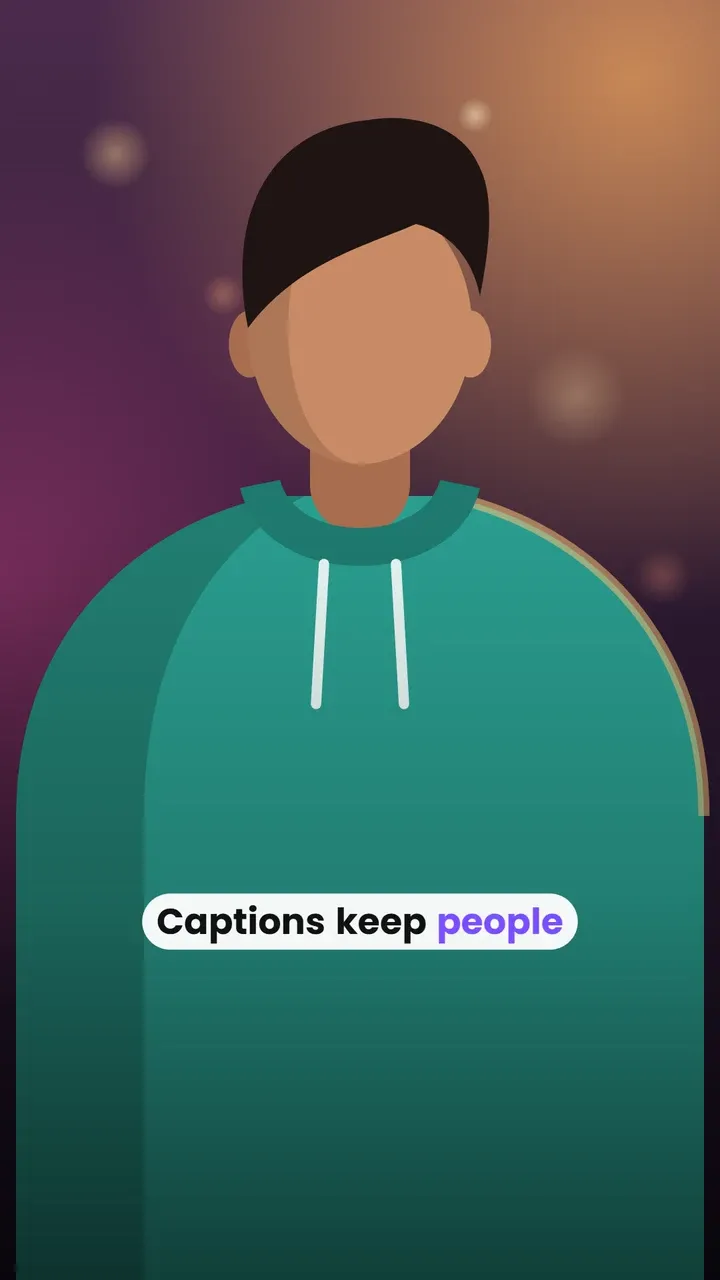
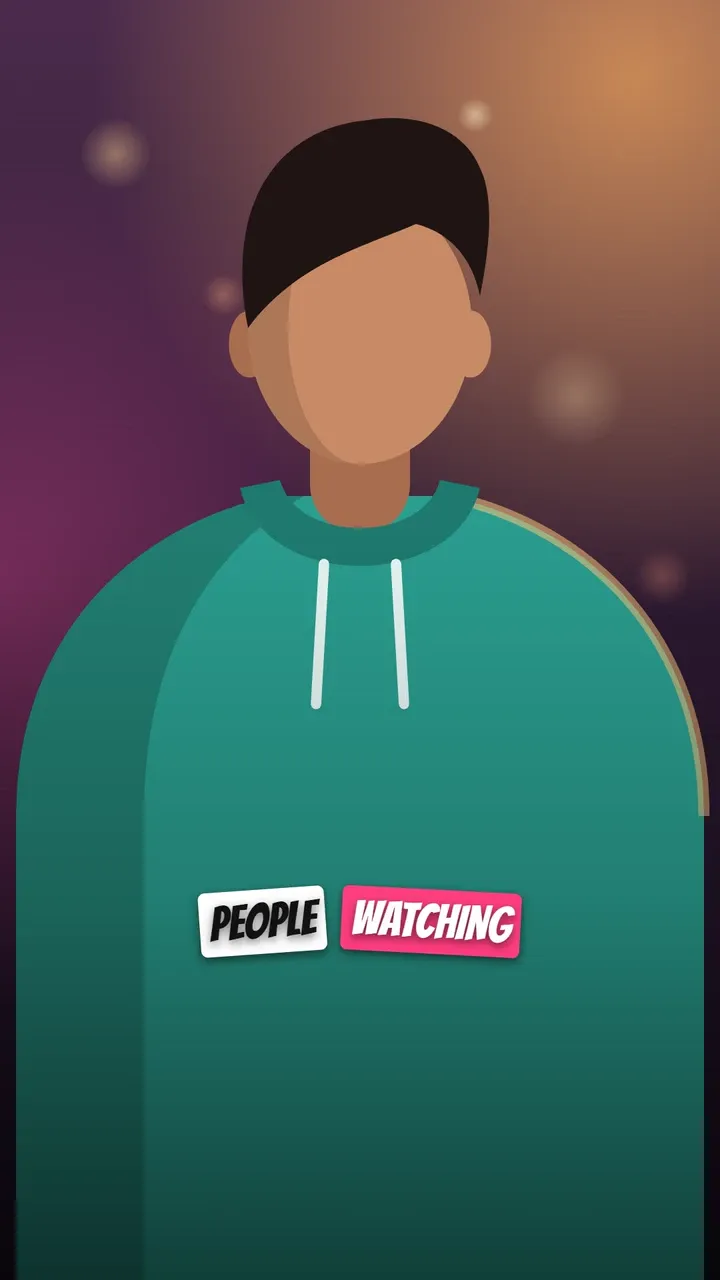
Text on its own background (a pill, a bar or stickers), readable on any footage.
How to use a style
- Open the editor and add your video. It stays on your device.
- Transcribe it: the speech becomes text, word by word, with timings.
- Fix any word in the Edit step and mark the words you want to stand out as Emphasis.
- In step 4, Style, pick a style, then change the font, colours, size and position if you like.
- Export an MP4 with the captions on it, ready for Reels, Shorts or TikTok.
Not sure which one to pick? Read the best fonts for captions, or start withKaraoke: it suits almost any talking video.