
Smooth & clean style
Blur-in captions
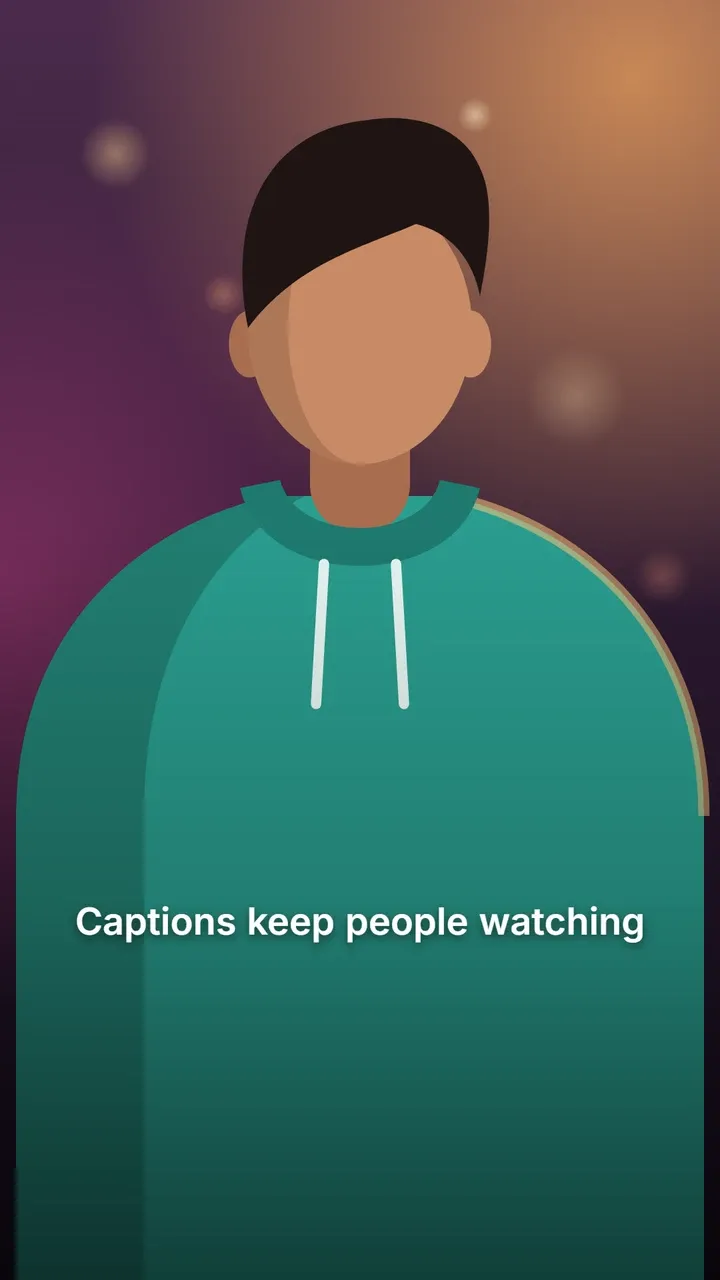
Each word starts blurred and sharpens into focus the moment it is spoken, in clean sentence-case Poppins with a soft shadow. It feels cinematic and calm, like a camera pulling focus.
Use this style
Free, no signup. In the editor, pick Blur-in in step 4, Style.
The default look
- Font
- Poppins Bold
- Letters
- Sentence case
- Text colour
- white (#FFFFFF)
- Highlight colour
- yellow (#FFD400)
- Outline
- None
- Shadow
- Soft drop shadow
- Background
- None
- Words per line
- Up to 4
Every setting can be changed in the style panel: font, size, colours, outline, shadow, background, position and words per line. The preview is the real Blur-in style, rendered by the same code that makes your video.
Best for
- Aesthetic, travel and lifestyle content
- Reflective voice-overs and quotes
- Beauty and fashion
Make it yours
- On bright footage, add a Box background behind the text.
- Inter gives a more neutral look.
- Slower speech shows the focus pull best.
Similar styles
See all 22 caption styles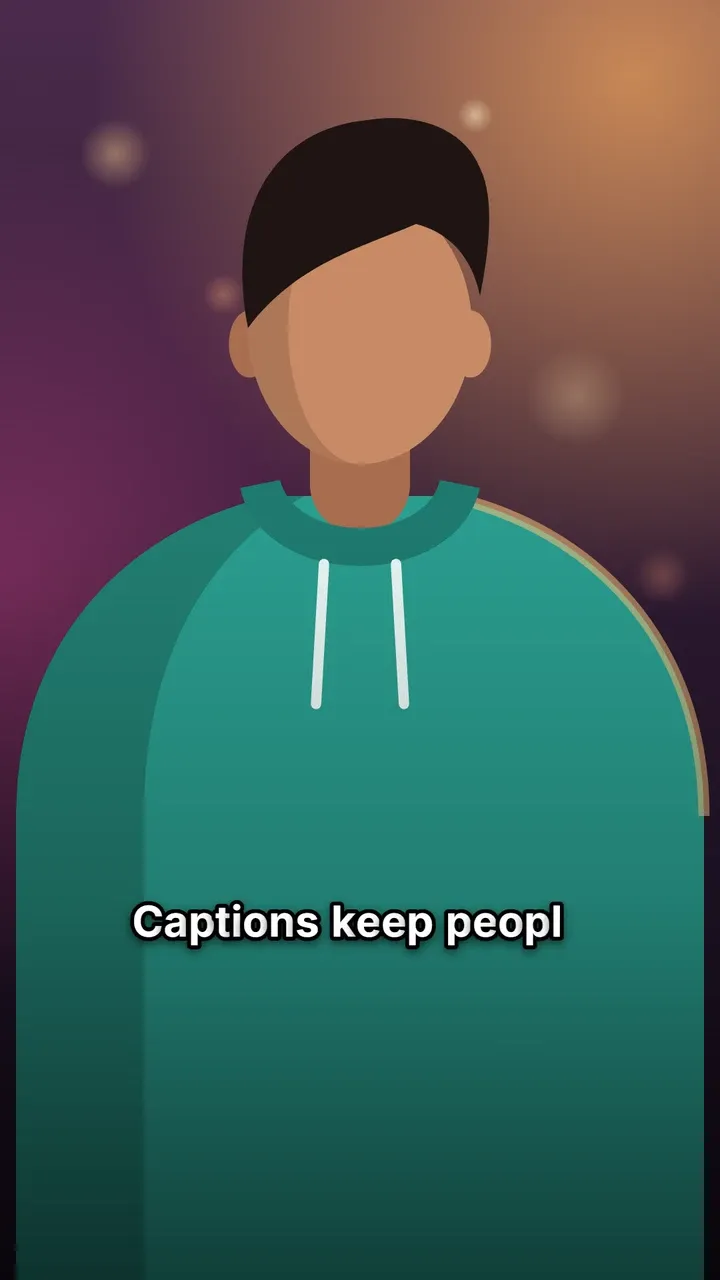

Try Blur-in captions on your video
Free to use, no signup, no watermark. Your video stays on your device.
Choose a video