
Pop & bounce style
Zoom punch captions
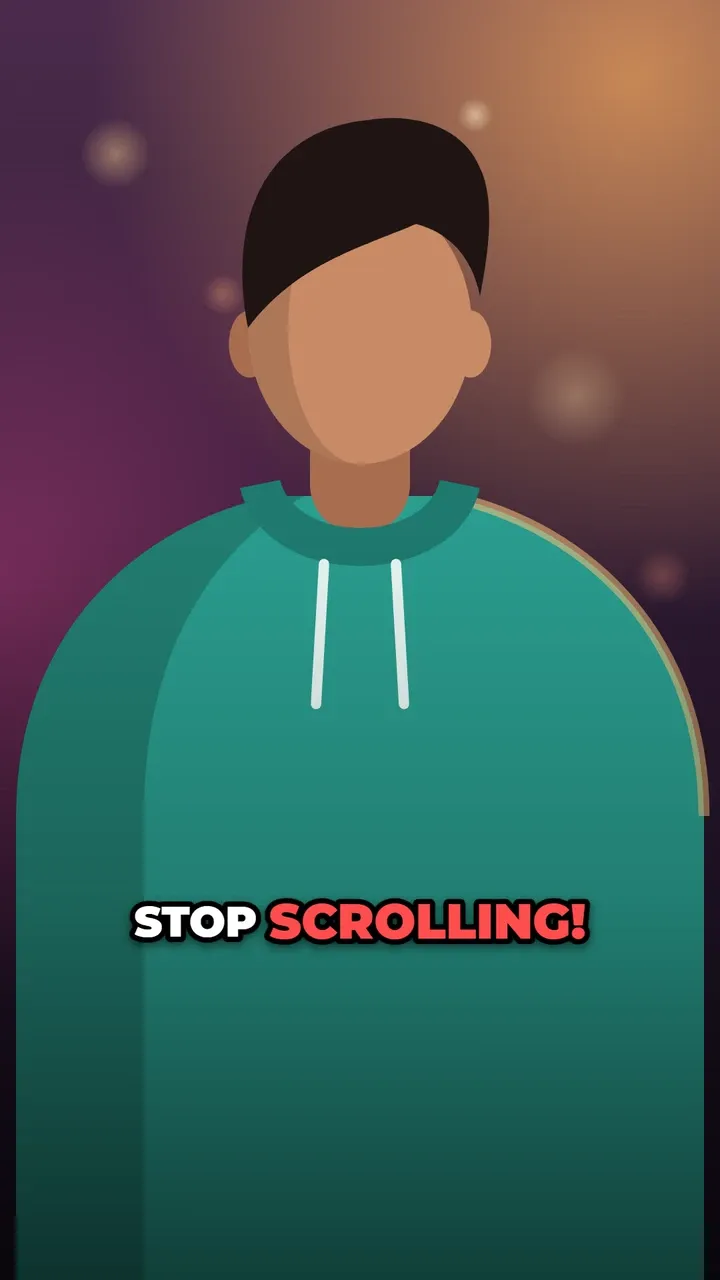
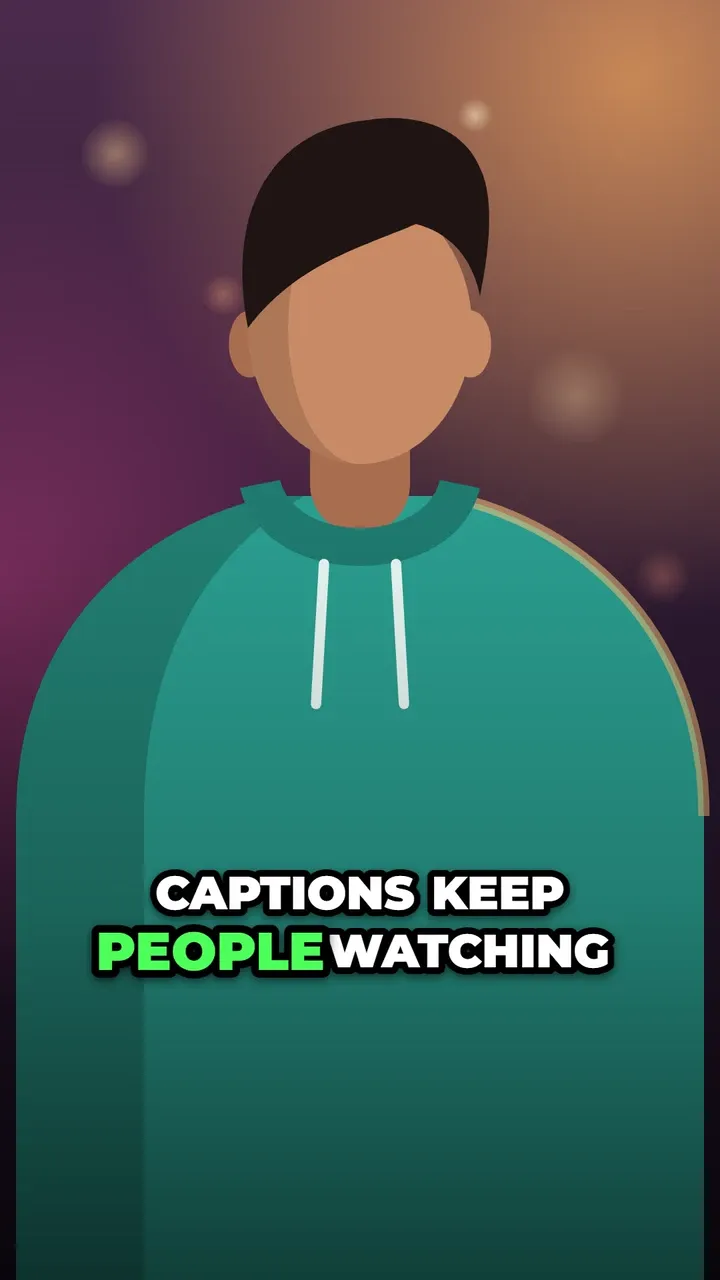
Each spoken word punches up in size and turns yellow, then settles back, so every word hits like a beat. Lines pop in as a whole and fade out.
Use this style
Free, no signup. In the editor, pick Zoom punch in step 4, Style.
The default look
- Font
- Montserrat Black
- Letters
- ALL CAPS
- Text colour
- white (#FFFFFF)
- Highlight colour
- yellow (#FFD400)
- Outline
- black (#000000), width 8
- Shadow
- Soft drop shadow
- Background
- None
- Words per line
- Up to 3
Every setting can be changed in the style panel: font, size, colours, outline, shadow, background, position and words per line. The preview is the real Zoom punch style, rendered by the same code that makes your video.
Best for
- Hype edits, sports and fitness
- Sales pitches and bold claims
- Videos cut to music
Make it yours
- Use 2 or 3 words per line so the punch has space.
- Anton or Archivo Black make it hit even harder.
- If long words feel cramped, lower the letter size a little.
Similar styles
See all 22 caption styles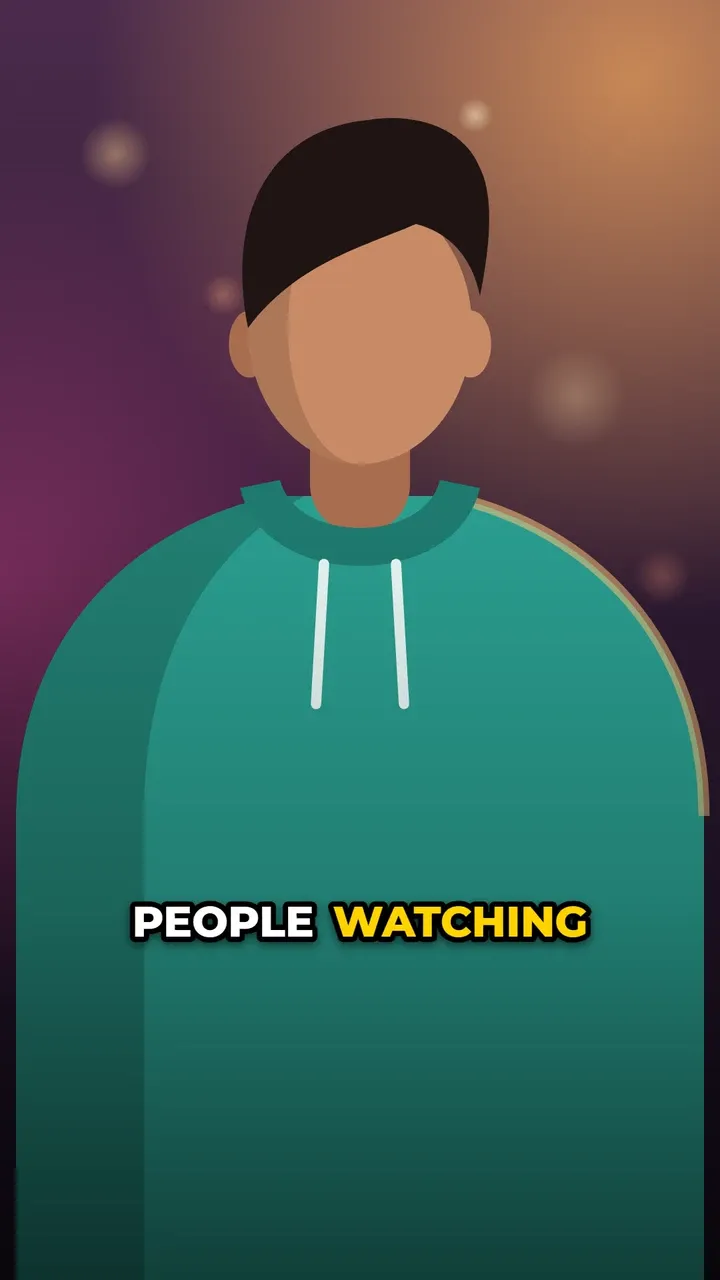
Try Zoom punch captions on your video
Free to use, no signup, no watermark. Your video stays on your device.
Choose a video