
Add captions to YouTube Shorts
Burned-in, animated captions are the look of most successful Shorts. Add them for free in your browser, then upload to YouTube with the captions already in the picture.
- Free to use
- No signup
- No watermark
Your video stays on your device: nothing is uploaded.
Shorts are watched in a fast-moving feed, often without sound. Captions that are part of the video, big and animated, are the quickest way to stop the scroll and keep people watching to the end.
Add animated captions to a Short
- Edit your Short as usual and save it to your phone or computer.
- Open the editor and add the video. It stays on your device.
- Transcribe it and fix any misheard words.
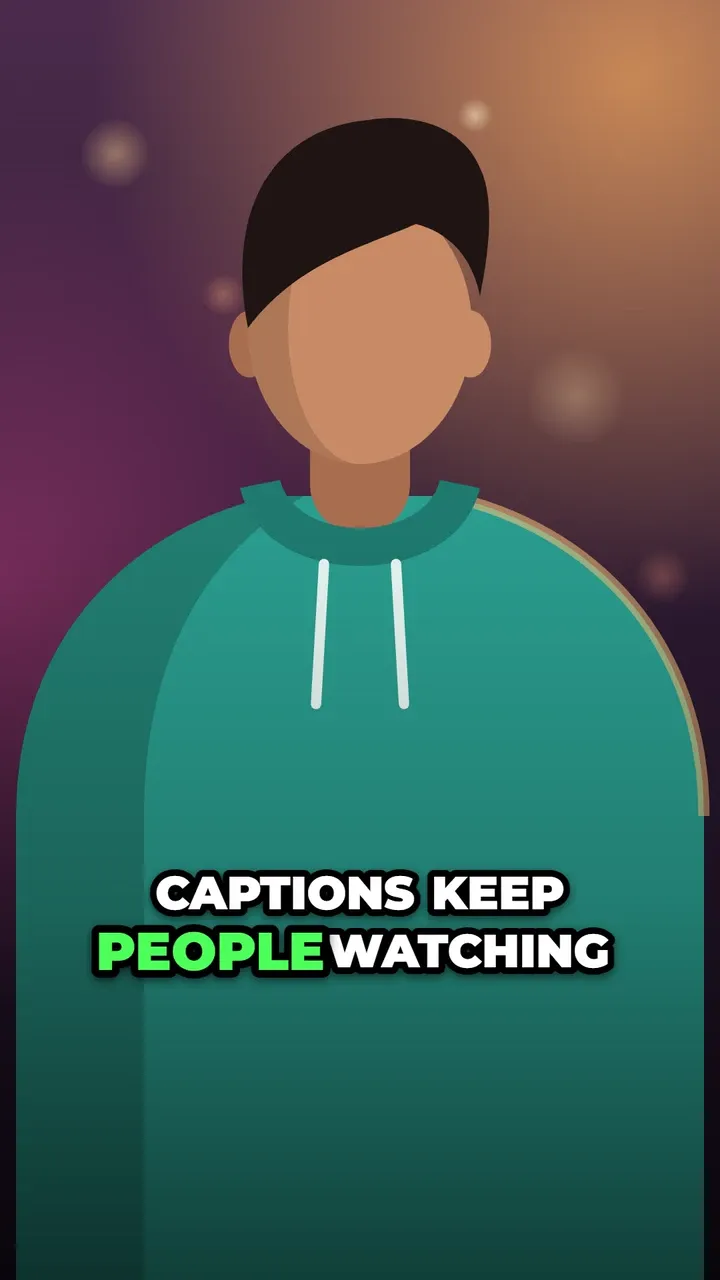
- Choose a style. For Shorts, One word at a time, Hormozi-style and Zoom punch are built for retention.
- Export the MP4 and upload it to YouTube as a Short.
No signup, no watermark, and the export keeps up to 1080p (and 60 frames per second on fast devices).
YouTube’s automatic captions
YouTube can generate automatic captions for uploaded videos. They are closed captions: a separate text track that viewers turn on with the CC button, in YouTube’s plain style. You can review, edit and download them in YouTube Studio, under Subtitles.
They are worth keeping: they help viewers who rely on captions and give YouTube a text version of what you said. But most viewers never switch them on, and you cannot style them. That is why most Shorts creators burn captions into the video as well. The two kinds can live side by side: see captions vs subtitles.
Captions cut off or too small on Shorts?
Two common complaints, with simple fixes:
- Cut off or hidden. The Shorts player puts the title, channel name and subscribe button over the bottom of the video and the like, comment and share buttons on the right. Keep captions above that area (the default Bottom position sits about three quarters of the way down) or use Middle. The safe zones guide explains where.
- Too small. Raise the letter size in the style panel and use fewer words per line: big words with 1 to 3 per line read best on a phone held at arm’s length.
What works on Shorts
- Start strong. The first line is your hook; make it big and on screen from the first second.
- One word at a time for fast, high-energy videos; Karaoke or Hormozi-style for teaching and talking heads.
- Emphasise one word per line, such as a number, a result or a surprise.
- Keep the same look on every Short so your videos are recognisable in the feed.
Styles to try
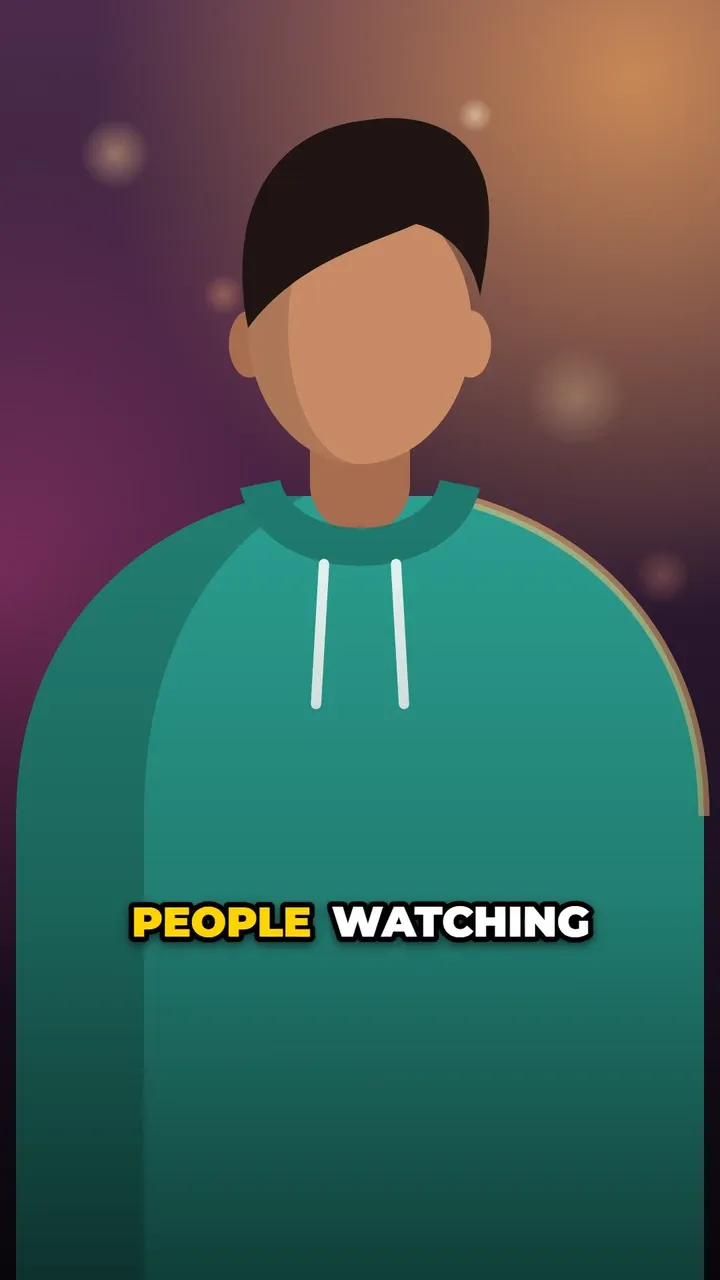
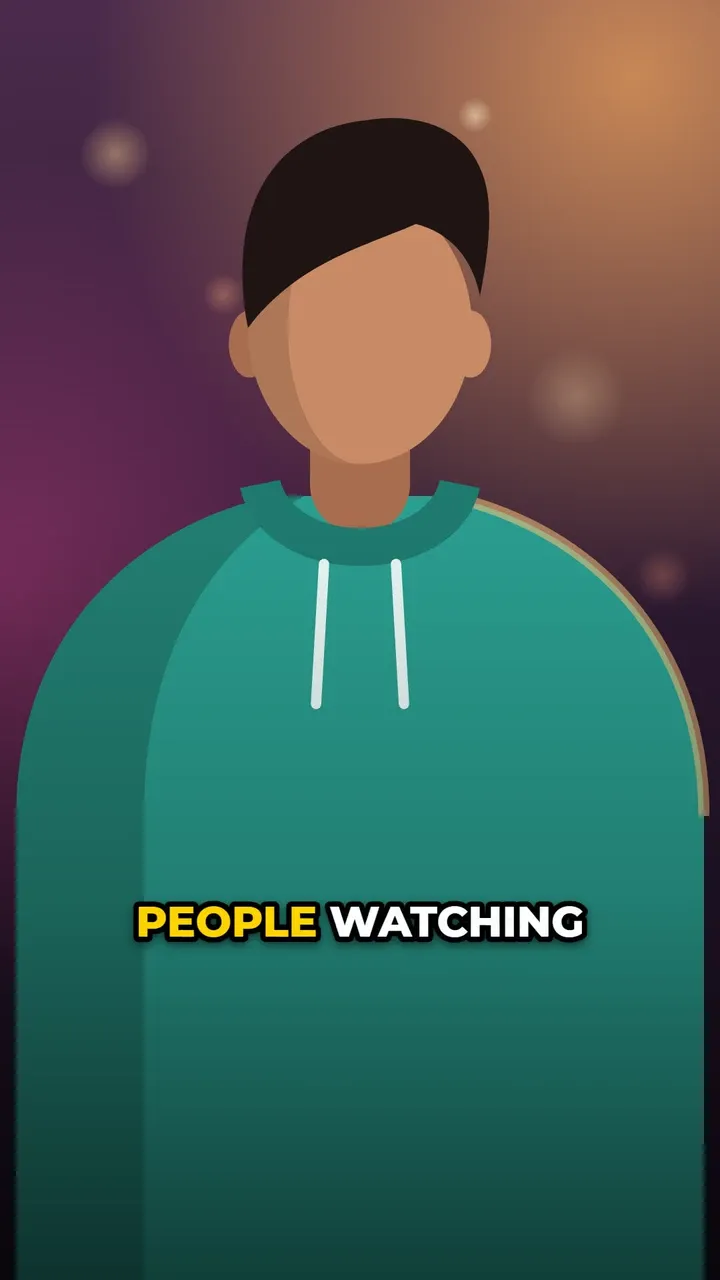
See all 22 caption styles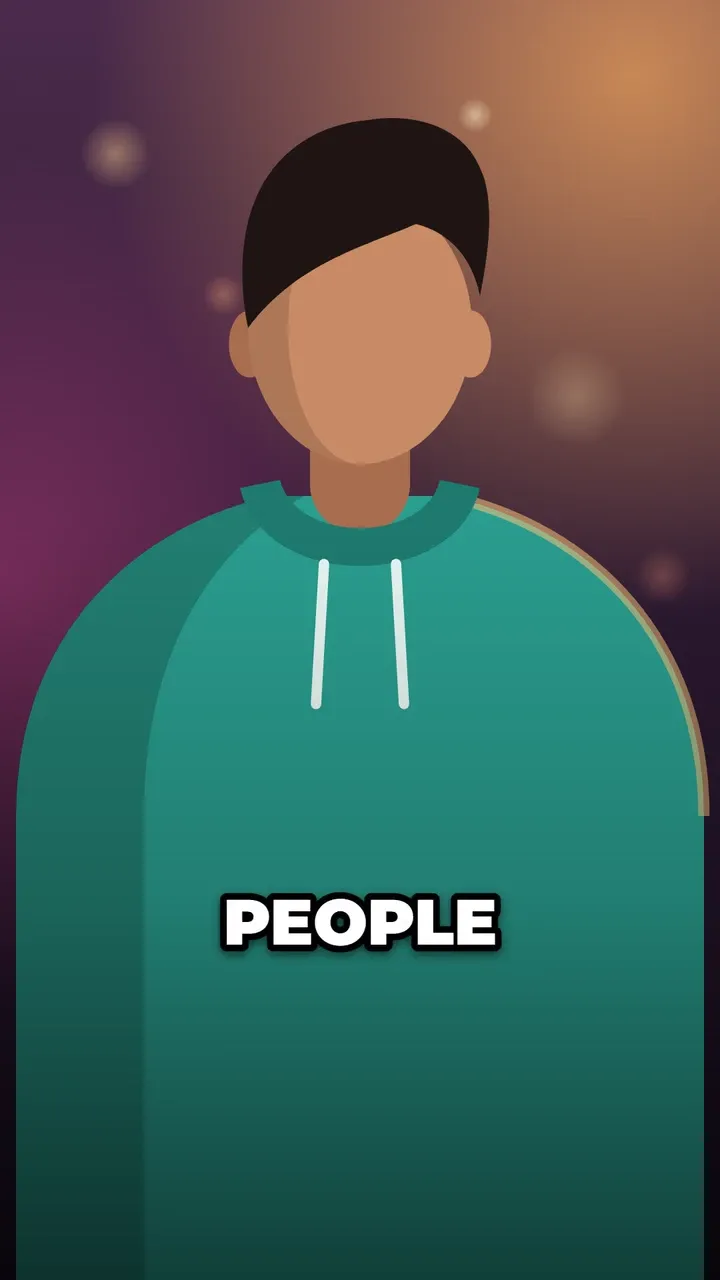
Questions
Does YouTube add captions to Shorts automatically?
YouTube creates automatic captions for many videos, which viewers can turn on with the CC button. They are closed captions in a plain style, and you can edit them in YouTube Studio.
Should I use burned-in captions and YouTube's captions together?
You can. Burned-in captions give every viewer your style; YouTube's captions are there for people who switch them on. If a viewer turns on CC, YouTube shows its captions over the video too.
Why are my captions cut off on Shorts?
The Shorts player covers the bottom of the video with the title and channel name, and the right edge with buttons. Move captions up a little or to the middle, and keep lines short.
What size should a Short be?
Vertical 9:16, ideally 1080 by 1920 pixels. CaptionOnReel keeps your video's size up to 1080 pixels on the shorter side and, on fast devices, up to 60 frames per second.