
Pop & bounce style
Pop-up captions
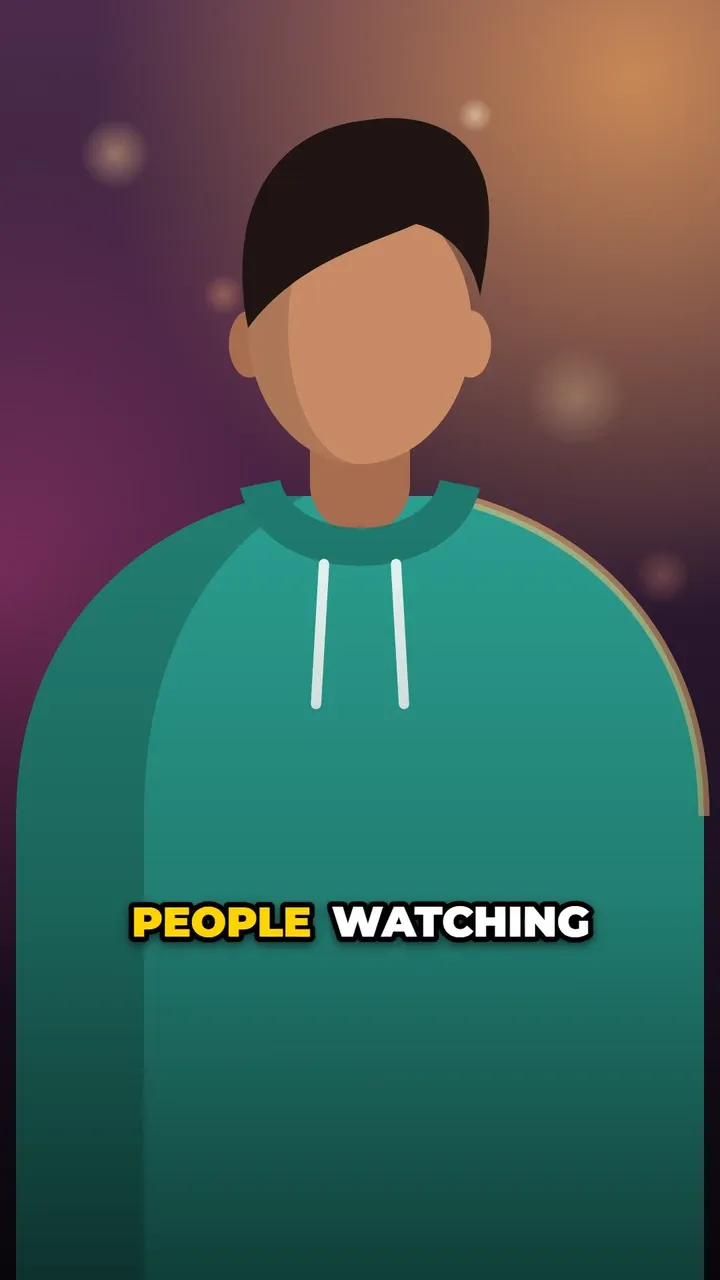
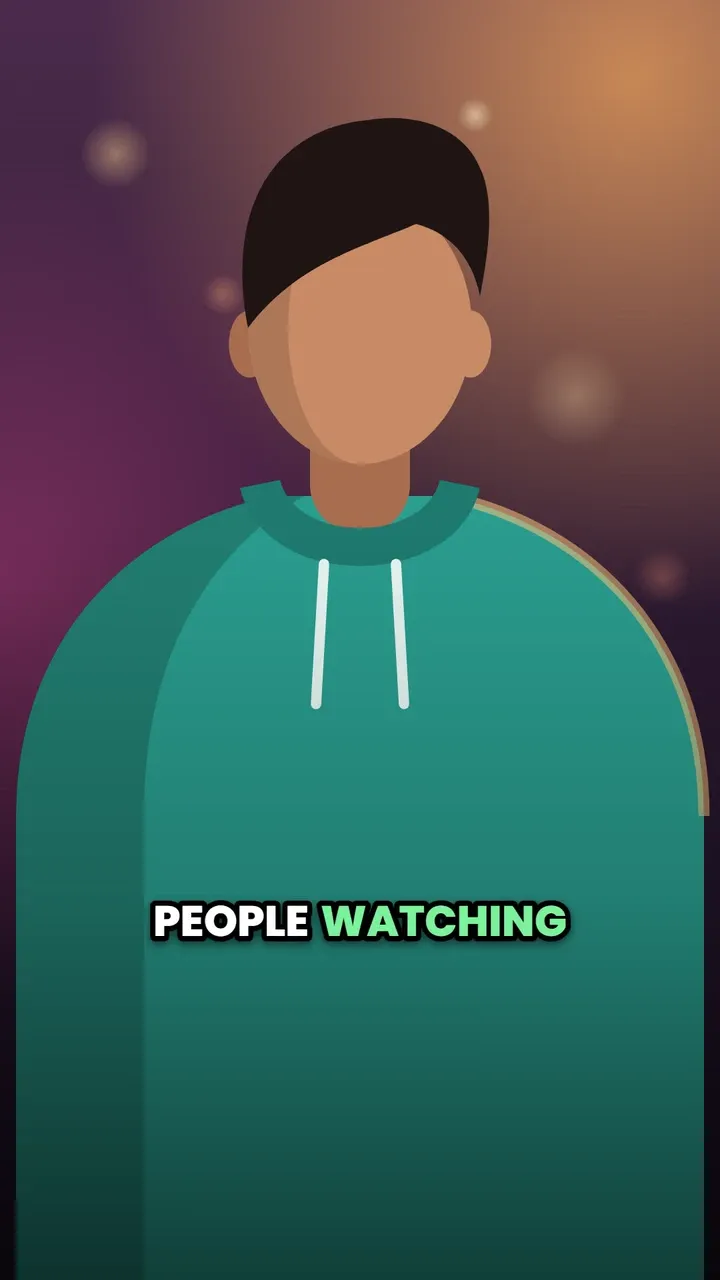
Each word pops onto the screen the moment you say it, with a quick overshoot that makes it feel alive, and the active word turns yellow. Captions build up word by word instead of appearing all at once. It is the style the editor starts with.
Use this style
Free, no signup. In the editor, pick Pop in step 4, Style.
The default look
- Font
- Montserrat ExtraBold
- Letters
- ALL CAPS
- Text colour
- white (#FFFFFF)
- Highlight colour
- yellow (#FFD400)
- Outline
- black (#000000), width 8
- Shadow
- Soft drop shadow
- Background
- None
- Words per line
- Up to 3
Every setting can be changed in the style panel: font, size, colours, outline, shadow, background, position and words per line. The preview is the real Pop style, rendered by the same code that makes your video.
Best for
- Fast-paced Reels and TikToks
- Hooks in the first seconds, where motion grabs attention
- Any talking video that needs the classic social media look
Make it yours
- Keep 2 or 3 words per line: more words means smaller pops.
- Try Bangers or Archivo Black for a more playful feel.
- Words you mark as Emphasis in the Edit step show in the highlight colour, a little larger.
Questions
How do I make captions pop up word by word?
Pick the Pop style in the Style step. Each word then appears and scales in at the moment it is spoken, using the word timings from the transcription.
Similar styles
See all 22 caption styles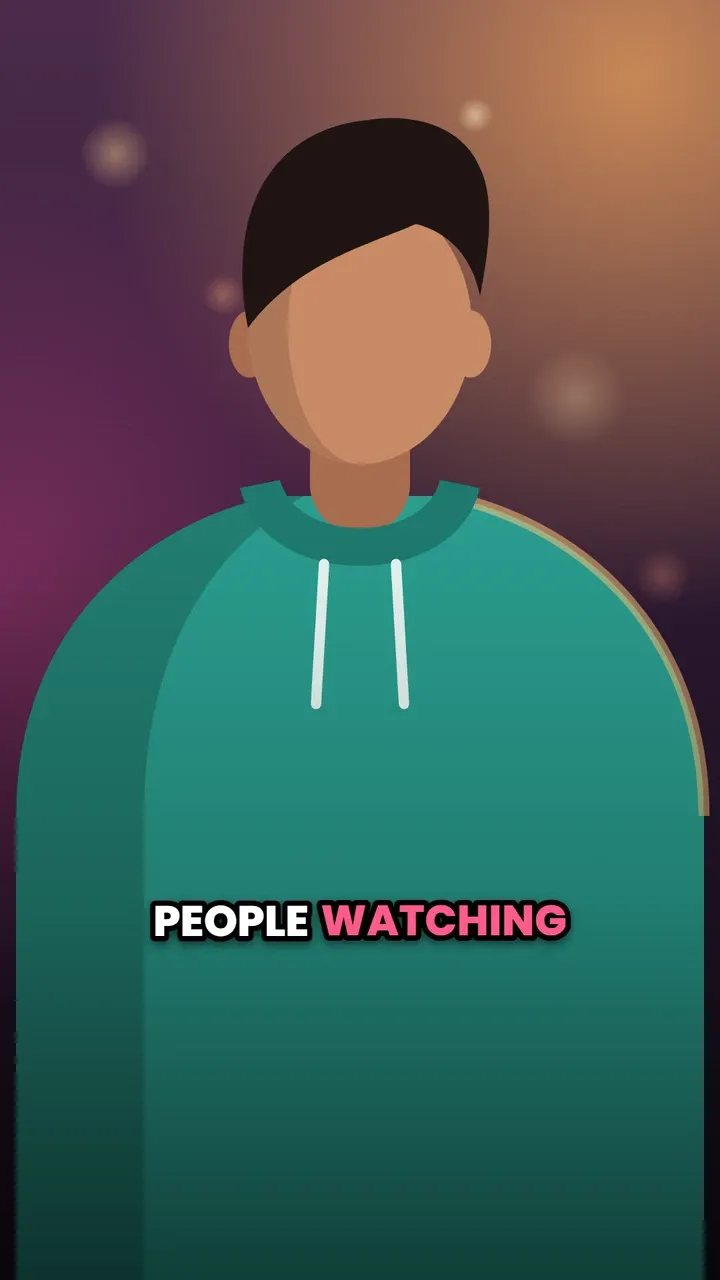
Try Pop captions on your video
Free to use, no signup, no watermark. Your video stays on your device.
Choose a video