
Add captions to TikTok videos
TikTok's auto captions are handy but plain. For captions that pop, bounce and match your style, add them to the video before you post, for free, right in your browser.
- Free to use
- No signup
- No watermark
Your video stays on your device: nothing is uploaded.
On TikTok, captions are part of the style of a video, not an afterthought. Words that pop in as you say them, with a highlight on the important ones, make a clip feel edited and keep people reading.
Add animated captions to a TikTok
- Film or edit your TikTok and save the video to your phone or computer.
- Open the editor and add the video. Nothing is uploaded.
- Transcribe it and fix any words it misheard.
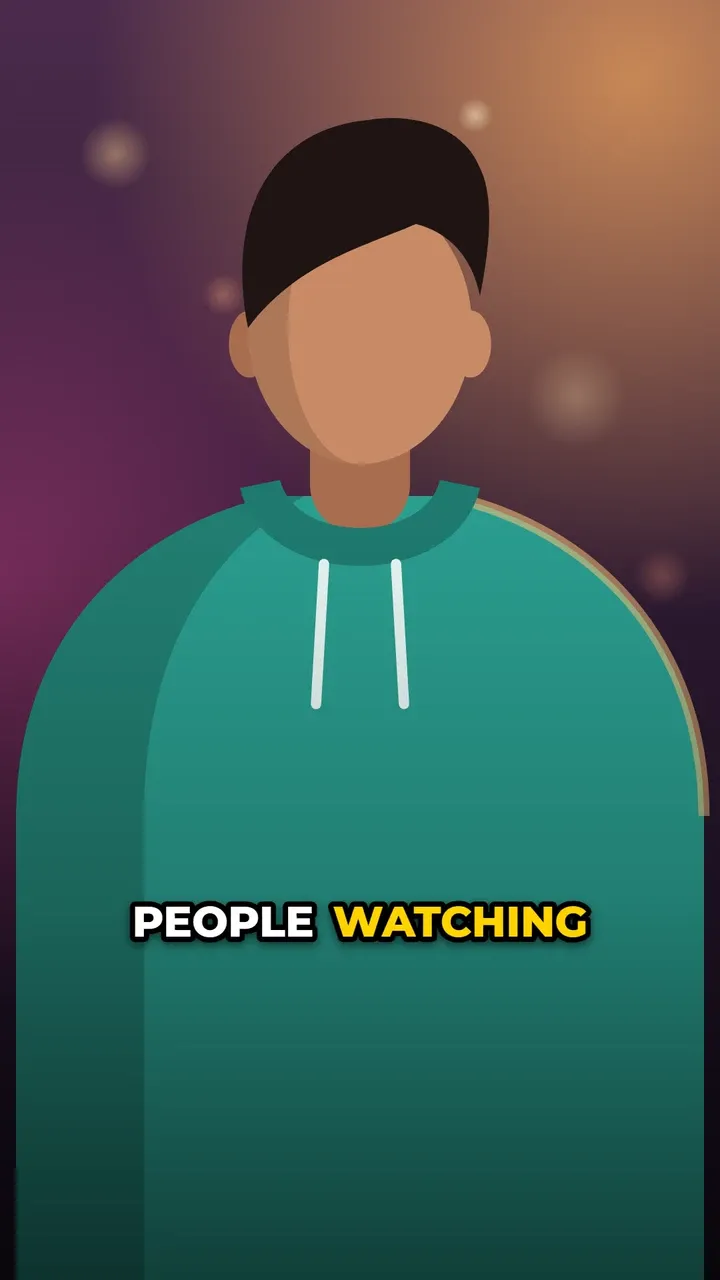
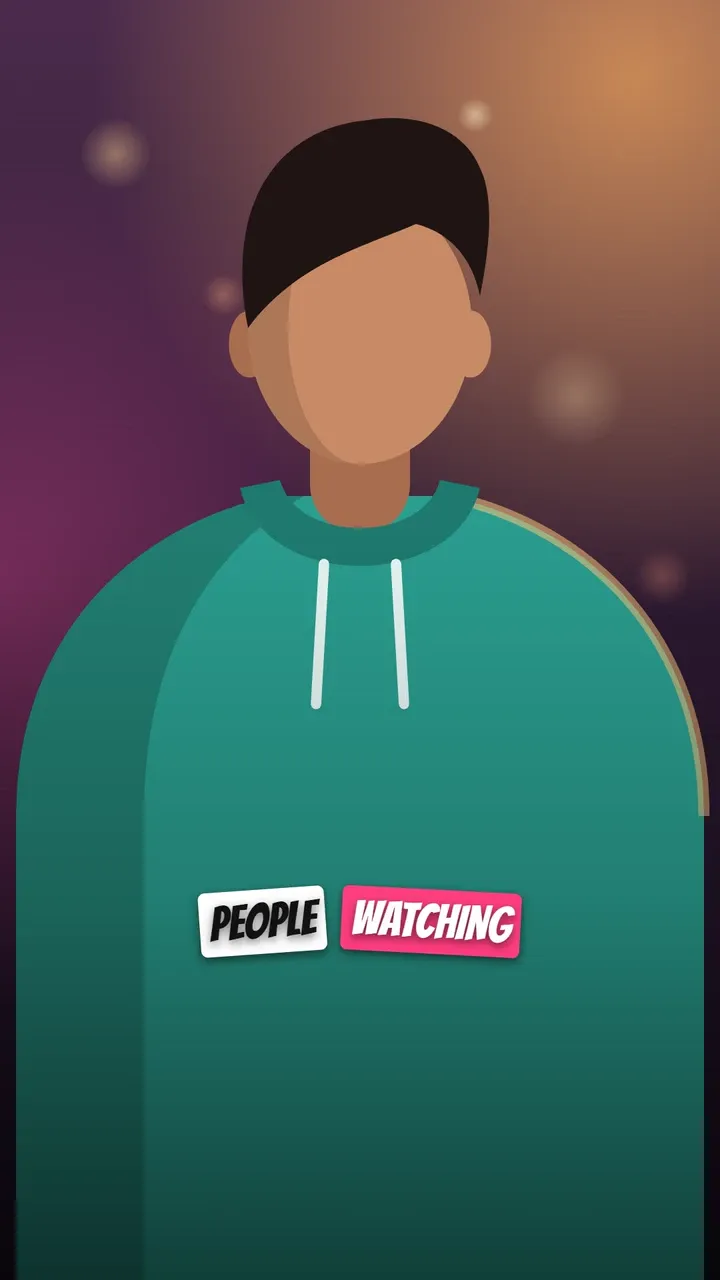
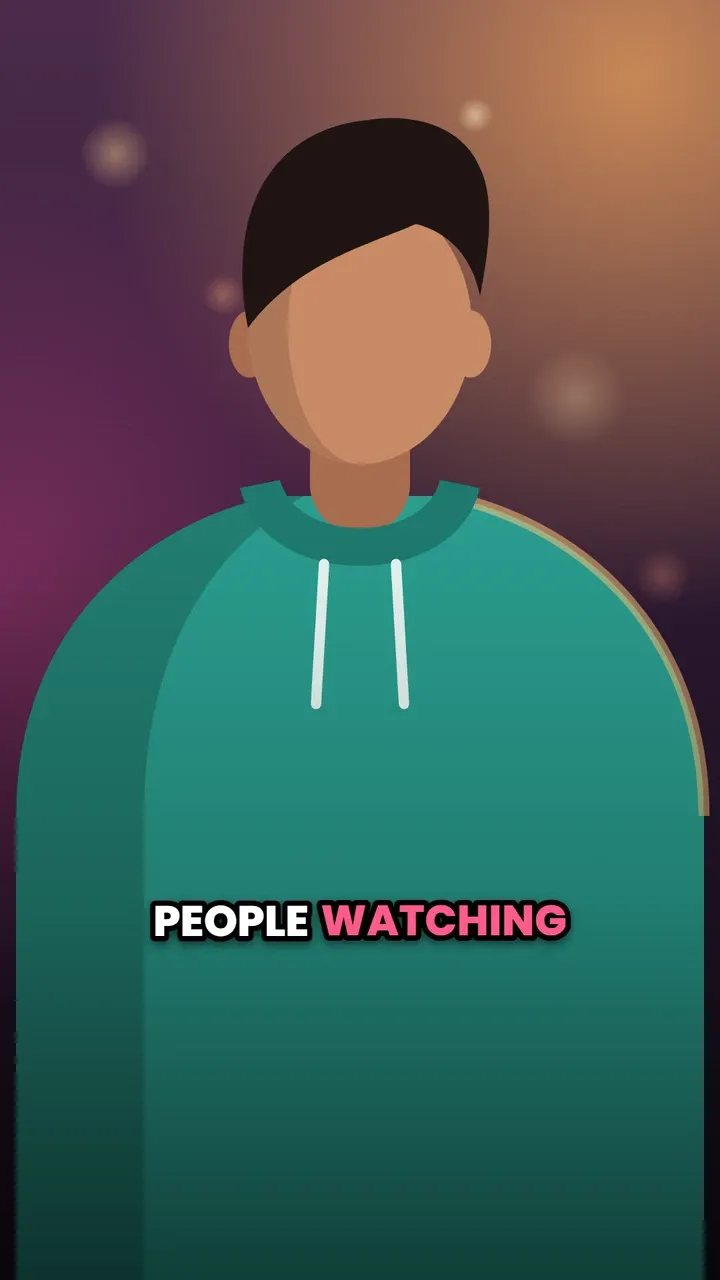
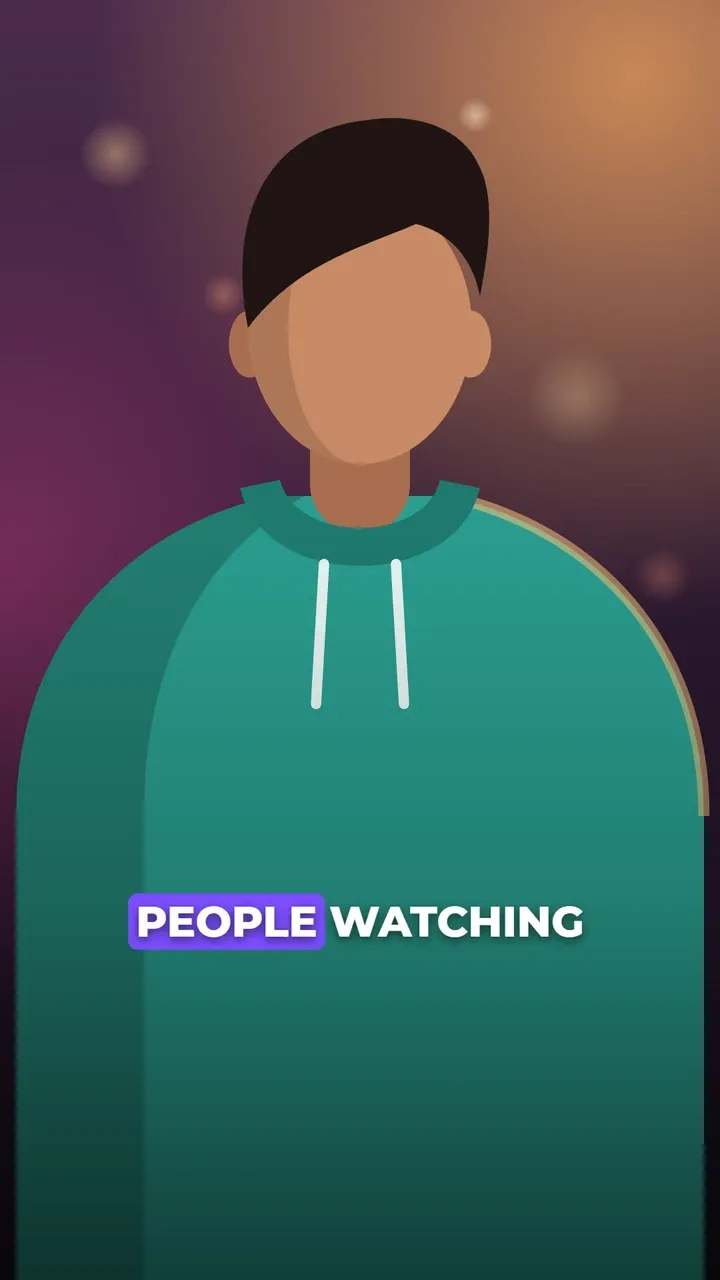
- Pick a style. Pop, Bounce and Sticker suit TikTok’s playful side; Box highlight stays readable on busy footage.
- Export the MP4 and upload it to TikTok.
It is free, with no account and no watermark, and the same video is ready for Reels and Shorts too.
TikTok’s own auto captions
While editing a video before you post, TikTok can turn the speech into captions, which you can review and correct. Viewers can then switch them on or off. They are quick and good for accessibility, but you get TikTok’s plain style only, and they live only on TikTok.
TikTok auto captions not working?
If the Captions option is missing, stays empty or gets words wrong:
- Update the app. Features differ between app versions.
- Check the language. Auto captions are not available for every language or region.
- Check the sound. Music or background noise over the voice makes speech hard to recognise.
- Burn them in instead. Captions made with the editor are part of the video, so they work on every account, and you can fix every word yourself.
Where to put captions on TikTok
TikTok covers the bottom of the screen with your username, the post text and the sound, and the right side with the profile, like, comment, save and share buttons. Captions in those areas get hidden.
- The default Bottom position sits about three quarters of the way down, above the area most apps cover; check the preview before posting.
- Use Middle when your post text is long.
- Keep lines to 2 or 3 words so they do not run under the buttons.
More detail in the caption safe zones guide.
What works on TikTok
- Words that arrive as you speak. Word-by-word styles match TikTok’s pace. See word-by-word captions.
- Colour for the key word. Mark one word per line as Emphasis to make it pop.
- A font with personality. Bangers or Archivo Black for fun content, Montserrat for clean and bold. See the best fonts for captions.
- Consistency. The same style on every video helps people recognise you before they read your name.
Questions
Does TikTok have auto captions?
Yes. TikTok can generate captions from the speech in your video while you edit it before posting, and viewers can turn them on or off. They come in TikTok's own plain style.
Why are my TikTok auto captions not working?
They may not be available for every language, account or app version, and they need clear speech. Updating the app often helps. Captions burned into the video with CaptionOnReel work regardless.
Can I use the same captioned video on Reels and Shorts?
Yes. The captions are part of the MP4, so one export works on TikTok, Instagram Reels and YouTube Shorts.