
Pop & bounce style
Shake captions
The spoken word turns red, and the words you mark as emphasis shake when they are said, as if the screen is reacting to you. Everything else stays still, so the shake lands exactly where you want it.
Use this style
Free, no signup. In the editor, pick Shake in step 4, Style.
The default look
- Font
- Montserrat Black
- Letters
- ALL CAPS
- Text colour
- white (#FFFFFF)
- Highlight colour
- red (#FF4D4D)
- Outline
- black (#000000), width 8
- Shadow
- Soft drop shadow
- Background
- None
- Words per line
- Up to 3
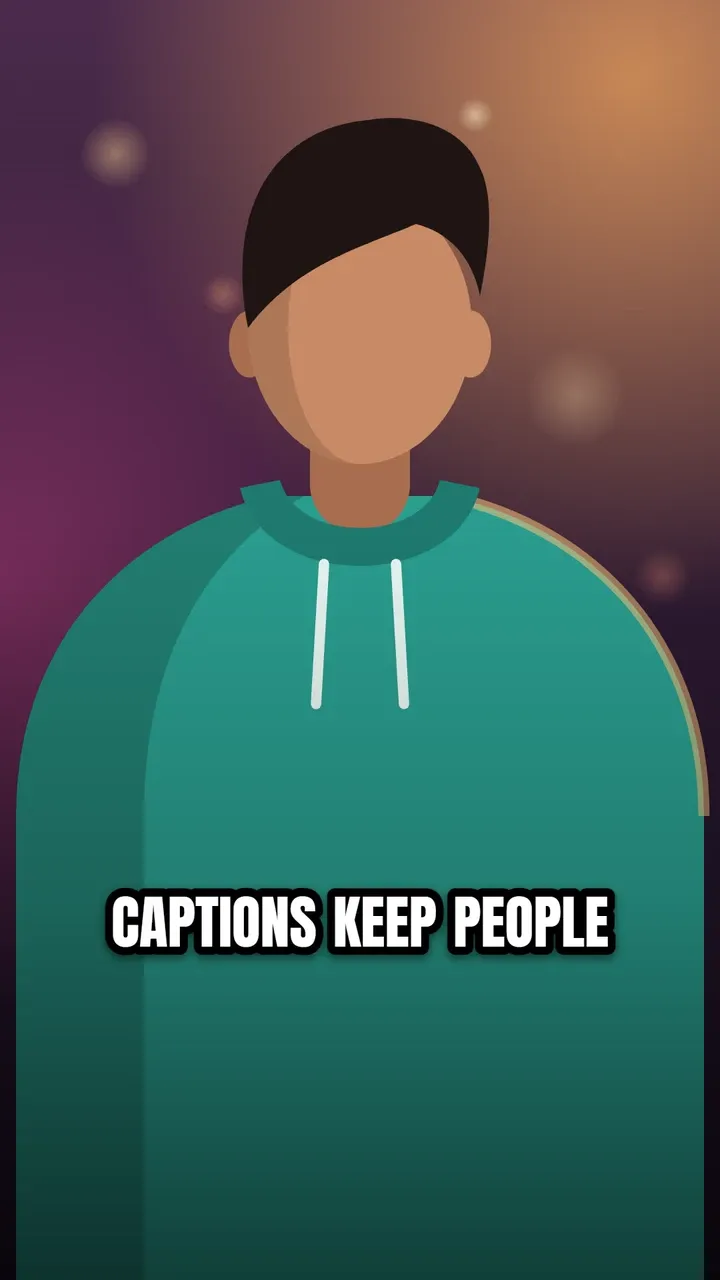
Every setting can be changed in the style panel: font, size, colours, outline, shadow, background, position and words per line. The preview is the real Shake style, rendered by the same code that makes your video.
Best for
- Shock, surprise and drama
- Warnings and "don't do this" videos
- Comedy punchlines
Make it yours
- Words in ALL CAPS or ending in "!" are marked as emphasis automatically; add or remove emphasis on any word in the Edit step.
- Use it sparingly: two or three shaking words per video keep the effect strong.
- Change red to yellow for excitement instead of alarm.
Similar styles
See all 22 caption styles

Try Shake captions on your video
Free to use, no signup, no watermark. Your video stays on your device.
Choose a video