
Smooth & clean style
Typewriter captions
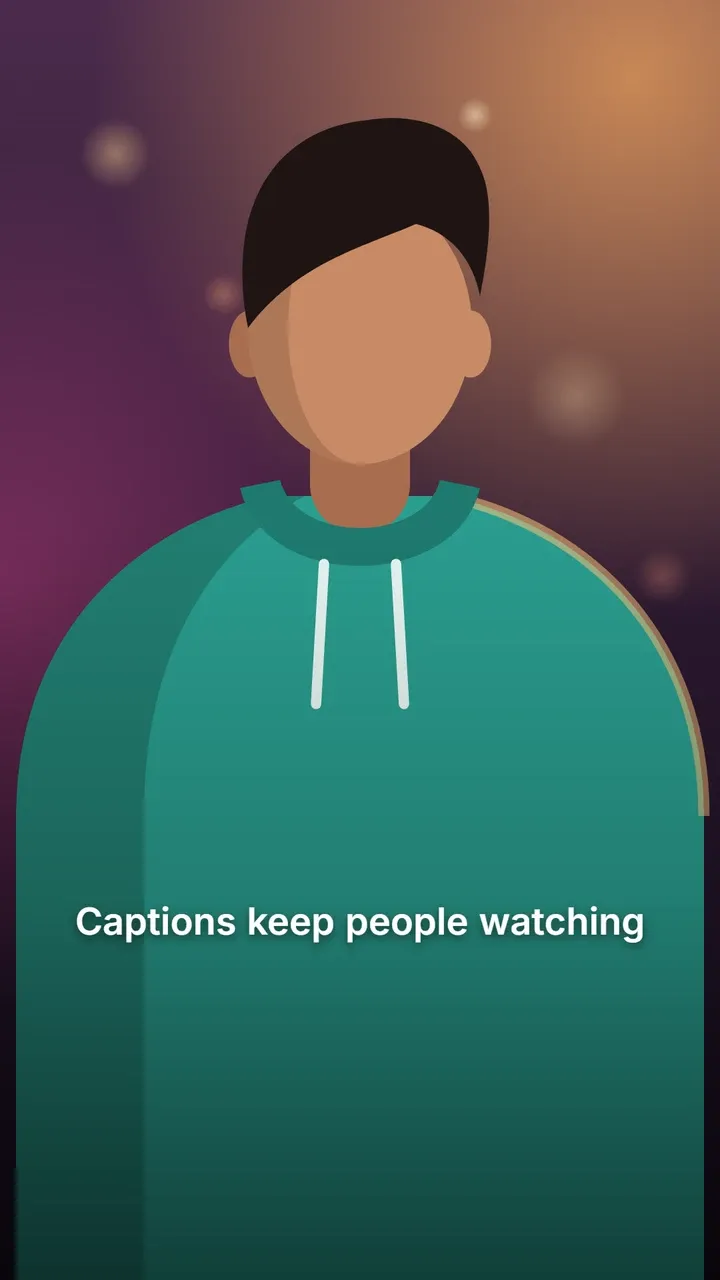
Letters type out one by one, timed to how long you take to say each word, so the text appears exactly as fast as you speak. Bold sentence-case Inter with an outline keeps it crisp.
Use this style
Free, no signup. In the editor, pick Typewriter in step 4, Style.
The default look
- Font
- Inter Bold
- Letters
- Sentence case
- Text colour
- white (#FFFFFF)
- Highlight colour
- yellow (#FFD400)
- Outline
- black (#000000), width 6
- Shadow
- Soft drop shadow
- Background
- None
- Words per line
- Up to 4
Every setting can be changed in the style panel: font, size, colours, outline, shadow, background, position and words per line. The preview is the real Typewriter style, rendered by the same code that makes your video.
Best for
- Storytelling, true crime and mysteries
- Messages, quotes and inner thoughts
- Tutorials and coding videos
Make it yours
- Fix misheard words in the Edit step first: every letter is on show.
- Keep 3 or 4 words per line so each line finishes typing before the next.
- Try the Middle position for a title-like feel.
Similar styles
See all 22 caption styles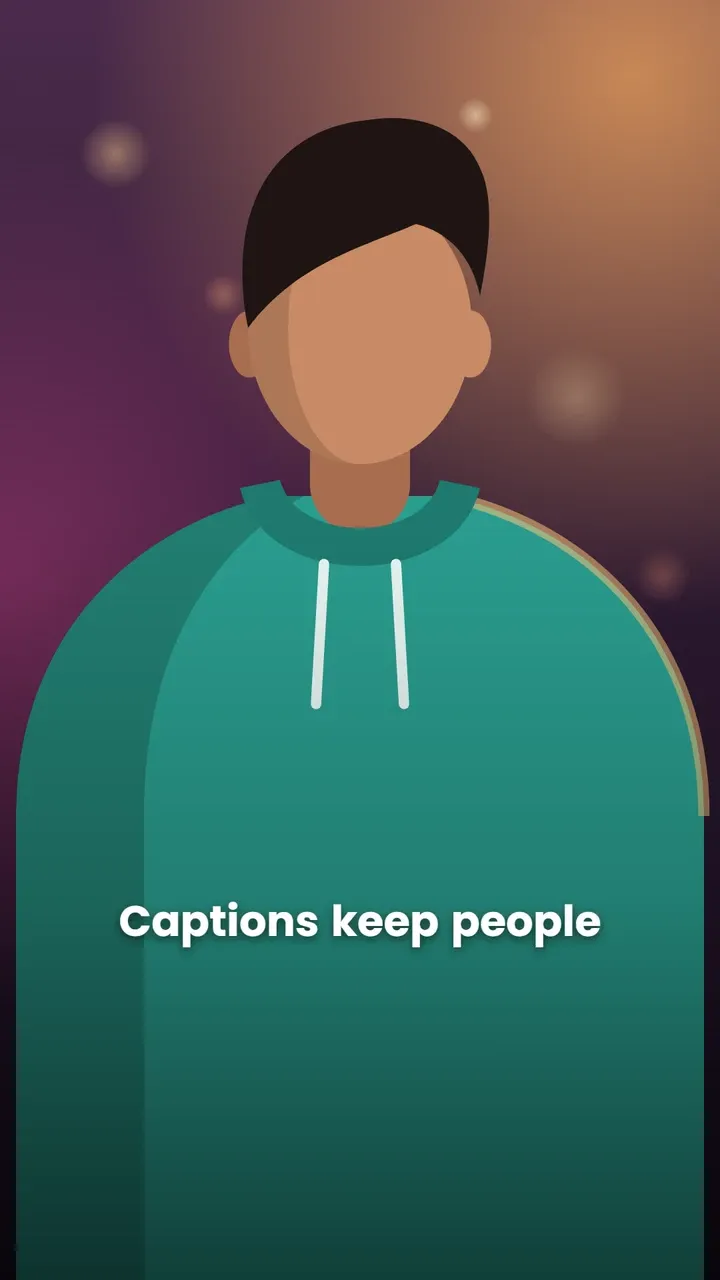

Try Typewriter captions on your video
Free to use, no signup, no watermark. Your video stays on your device.
Choose a video