
Big & bold style
One word at a time captions
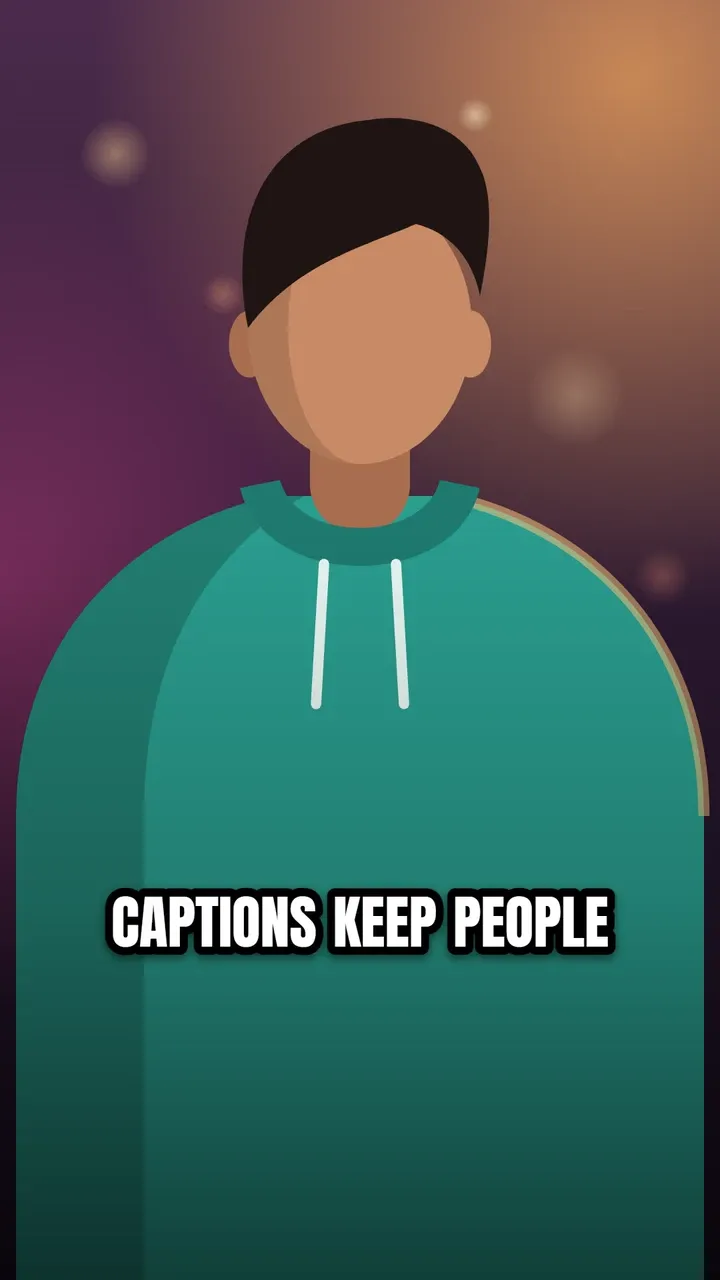
One big word fills the screen at a time and pops in as it is spoken. It is the fast, high-retention look made popular by MrBeast and countless YouTube Shorts: viewers end up reading every single word.
Use this style
Free, no signup. In the editor, pick One word in step 4, Style.
The default look
- Font
- Montserrat Black
- Letters
- ALL CAPS
- Text colour
- white (#FFFFFF)
- Highlight colour
- yellow (#FFD400)
- Outline
- black (#000000), width 10
- Shadow
- Soft drop shadow
- Background
- None
- Words per line
- Up to 1
Every setting can be changed in the style panel: font, size, colours, outline, shadow, background, position and words per line. The preview is the real One word style, rendered by the same code that makes your video.
Best for
- Fast hooks and high-energy Shorts
- Short videos where every second counts
- Challenge, reaction and story videos
Make it yours
- For the MrBeast look, switch the font to Bangers, a free look-alike of the comic font his captions use (see the MrBeast captions font guide).
- Words you mark as Emphasis show in yellow and a little bigger.
- Best for short videos: one word at a time can feel tiring over several minutes.
Questions
Is one word at a time good for long videos?
It works best for short, fast videos. Over several minutes, chasing single words gets tiring; a highlight style such as Karaoke keeps the energy while showing the whole line.
Similar styles
See all 22 caption styles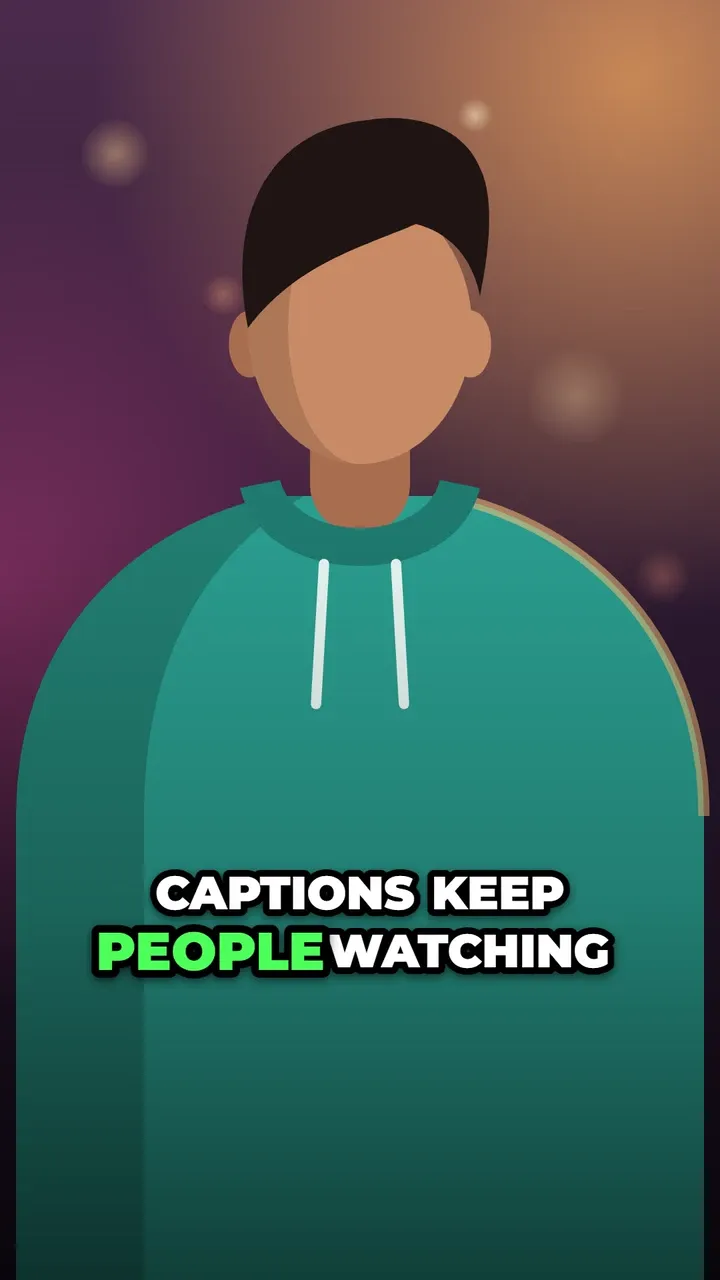

Try One word captions on your video
Free to use, no signup, no watermark. Your video stays on your device.
Choose a video