
Free animated captions for your videos
Animated captions move with your voice: each word appears, pops or lights up the moment it is spoken. CaptionOnReel times every word for you, so you get the look of a hand-made edit in a few minutes, for free.
- Free to use
- No signup
- No watermark
Your video stays on your device: nothing is uploaded.
Plain subtitles tell people what you said. Animated captions also show when you said it: the word lights up, pops in or punches out right as you speak, which keeps eyes on the screen and makes fast speech easier to follow.
Three kinds of animated captions
Every one of the 22 styles moves in one of three ways:
| Kind | What moves | Good for | Try |
|---|---|---|---|
| Highlight | The whole line stays up and the spoken word is marked with a colour, a box, an underline, a glow or a sweep | Talking heads, tutorials, podcasts | Karaoke, Box highlight, Glow |
| Word by word | Each word arrives as it is spoken: popping, bouncing, typing or coming into focus | Fast, energetic Reels and TikToks | Pop, Bounce, Typewriter |
| Big and bold | Few, heavy words with maximum contrast | Hooks, high-retention Shorts | One word, Hormozi-style, Impact |
If you are not sure, start with Karaoke: it suits almost any talking video. Browse all the styles to see each one moving.
How the timing works
Animated captions only look good when every word lands on time, which is why doing them by hand takes so long. CaptionOnReel does the timing for you:
- Every word gets a start and an end time. The speech model (Whisper, running in your browser) writes down each word together with when it was spoken.
- The timing is corrected. Whisper’s word times tend to run slightly late, so a measured delay is taken off and the first word after each pause is snapped to the moment the sound starts. In our tests, word starts landed within about 50 ms of the real speech on average.
- Lines break where you breathe. A new line starts at the end of a sentence, after a pause longer than 0.4 seconds, or when a line reaches its word or letter limit.
- You have the final say. Nudge any word earlier or later in 50 ms steps, merge or split words, and choose how many words go on each line.
How to make animated captions
- Open the editor and add your video. It stays on your device.
- Transcribe it, then fix any misheard words in the Edit step.
- Mark the words you want to stand out as Emphasis. Words in ALL CAPS or ending in “!” are marked for you.
- In step 4, Style, pick an animated style and adjust the font, colours, size and position.
- Export the MP4 and post it.
Make them work harder
- One idea per line. Two or three words per line keep the motion readable on a phone.
- Use emphasis sparingly. One highlighted word per line is a signal; four is noise.
- Match the style to the pace. Quick, punchy speech suits Pop or Zoom punch; slow, thoughtful speech suits Blur-in, Slide-up or Typewriter.
- Keep your look. Using the same style, font and highlight colour on every video makes your posts recognisable in the feed. The fonts guide helps you choose.
Styles to try
See all 22 caption styles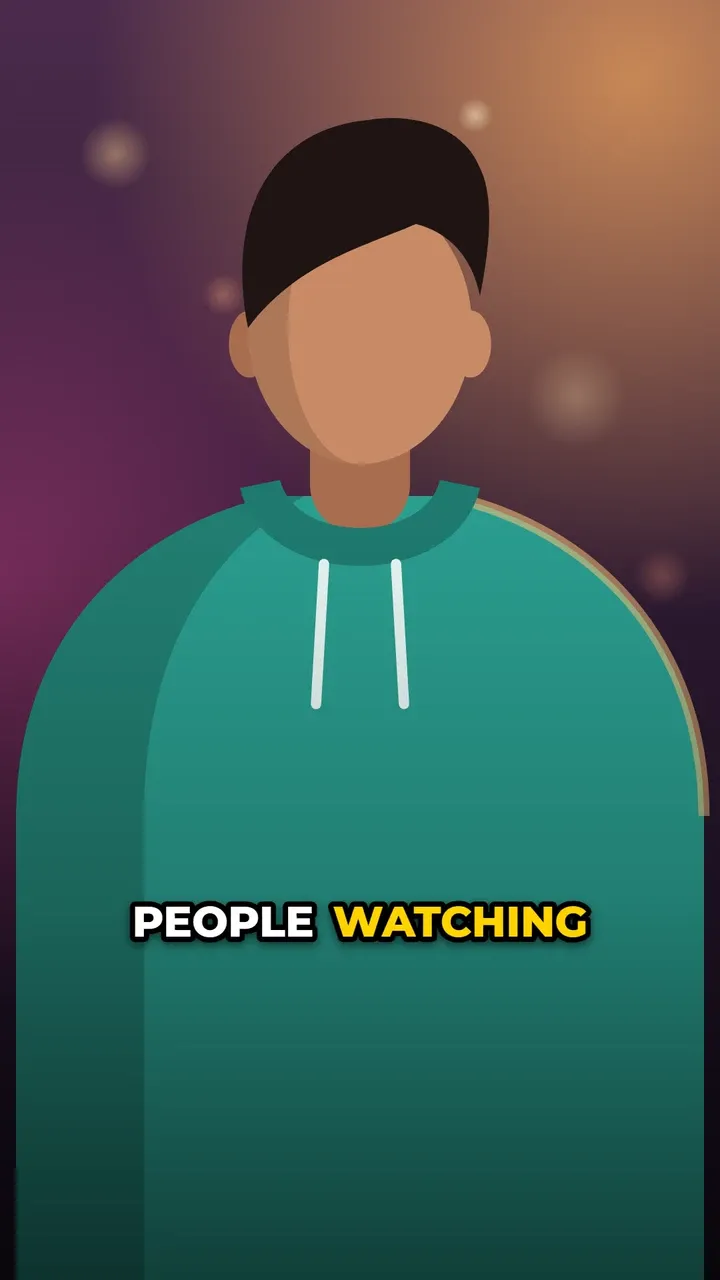
Pop-up captions
Each word pops in as it is spoken.

Karaoke captions
Full line visible; the spoken word changes colour.
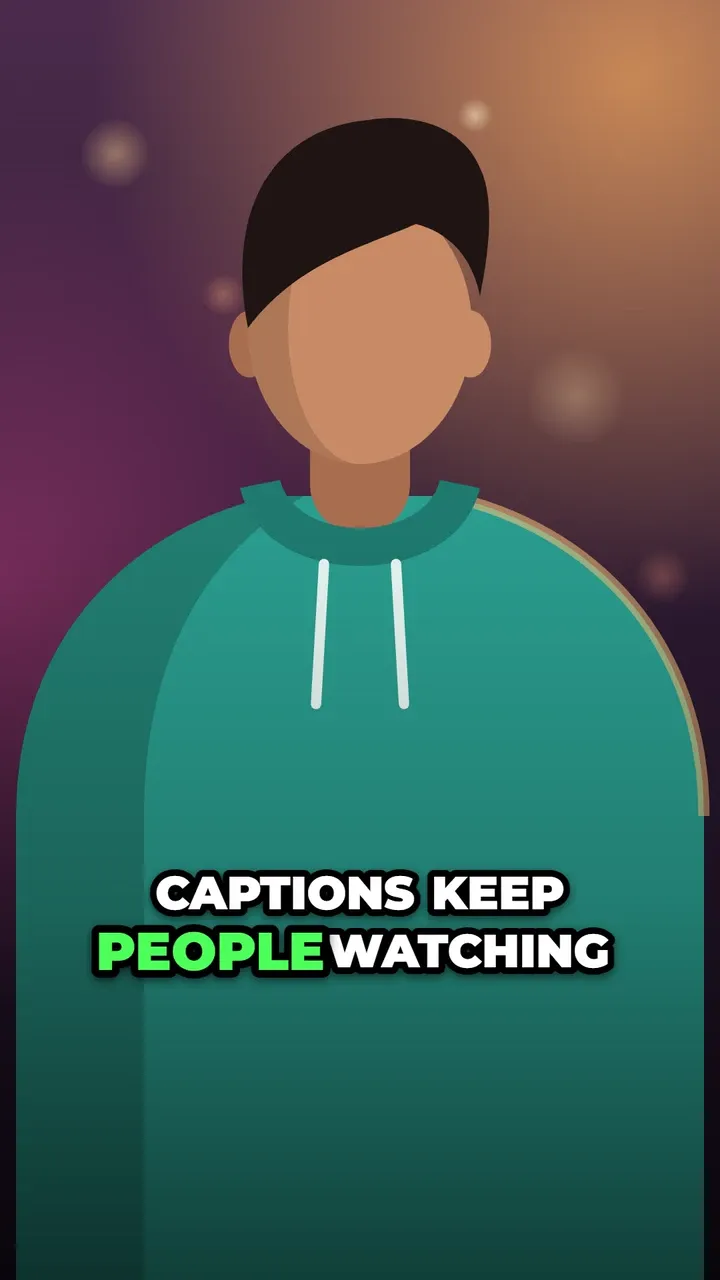
Hormozi-style captions
Two heavy rows; the spoken word is coloured and larger.

One word at a time captions
One big word at a time. Punchy.

Box highlight captions
A coloured box slides behind the spoken word.
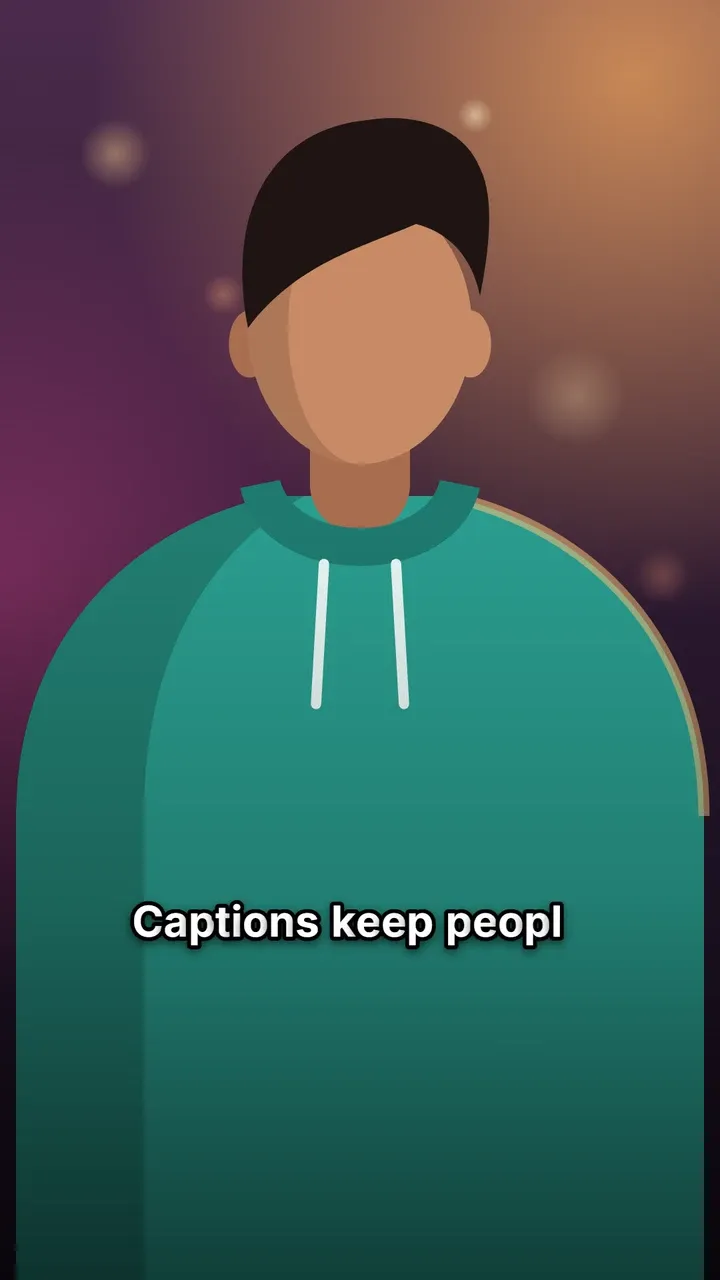
Typewriter captions
Letters type out in time with the speech.
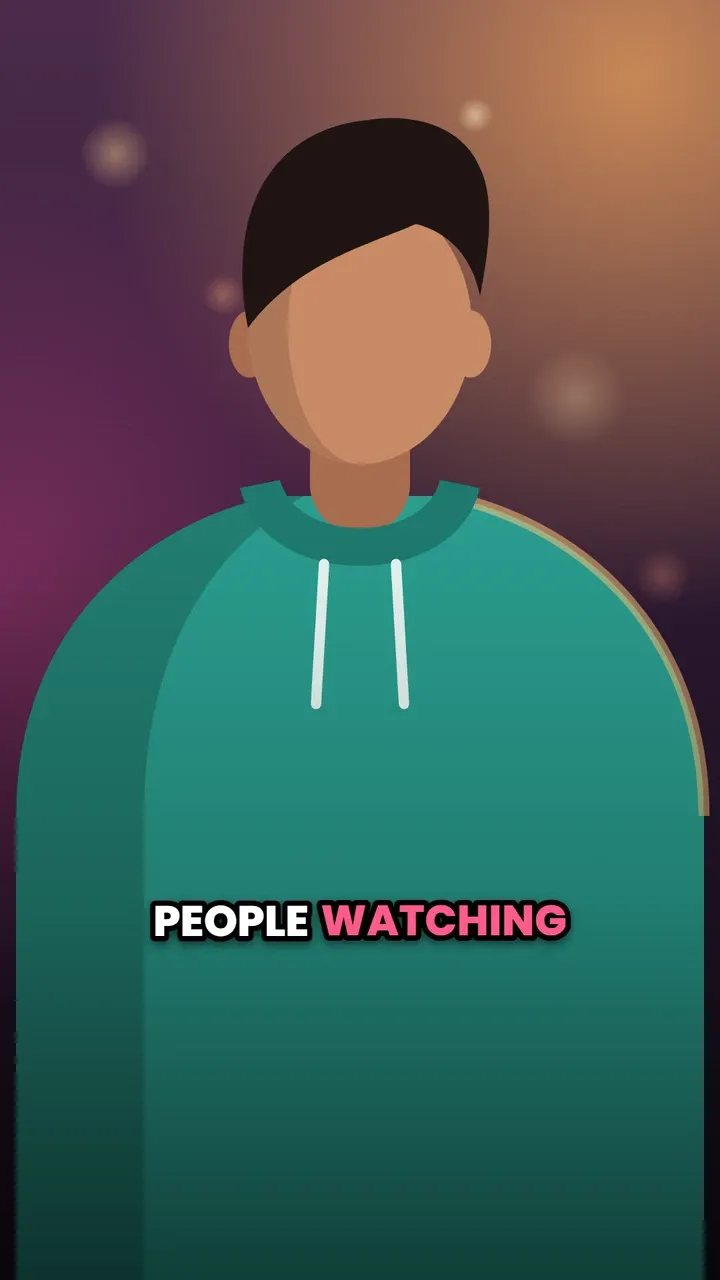
Bounce captions
Words drop in with a small bounce.

Glow captions
The spoken word glows; the others are dimmed.
Questions
Are the animated captions really free?
Yes. All 22 animated styles are free to use, with no signup, no limit on the number of videos and no watermark.
Can I make captions appear word by word?
Yes. Styles such as Pop, Bounce, Jelly, Wave and Blur-in bring in each word as it is spoken, Typewriter types each word letter by letter, and One word shows a single big word at a time.
Will the animation look the same in the exported video?
Yes. The preview and the export are drawn by the same code, at your video's own timing. On fast devices the export keeps up to 60 frames per second, so quick animations stay smooth.
Do animated captions work on TikTok, Reels and Shorts?
Yes. The captions are part of the MP4 itself, so they play the same way in every app that accepts video.