
A free alternative to VEED subtitles
VEED is a full online video editor with subtitles in many languages. If you want captioned Reels and TikToks without a watermark or an account, CaptionOnReel does that for free, in your browser.
- Free to use
- No signup
- No watermark
Your video stays on your device: nothing is uploaded.
VEED is an online editor that does a lot more than captions: trimming, translations, recording, team workspaces. Its free plan is a way to try it. If you only need captioned short videos, here is how a free tool built for that compares.
What VEED’s free plan includes
From VEED’s own pages (checked 28 October 2026):
- 720p exports. VEED’s export help article says the free plan can “export in 720p only”.
- A watermark. The same article says “the watermark is put on all exported videos while the account had a free subscription”, and that upgrading later means exporting the project again to remove it.
- An account and an upload. The subtitle tool asks you to sign up, and you “upload your video to the editor”.
- Limits on subtitles. The tool page says to “upgrade to a paid plan to subtitle longer videos and download subtitle files”.
- Many languages. VEED lists subtitles in “125+ languages”.
CaptionOnReel and VEED, side by side
| CaptionOnReel | VEED (free plan) | |
|---|---|---|
| Price | Free | Free to start, paid plans to upgrade |
| Watermark | None | On all exports from a free account |
| Export quality | Up to 1080p, up to 60 fps on fast devices | 720p |
| Account | None | Sign-up required |
| Your video | Stays on your device | Uploaded to VEED’s editor |
| Caption languages | 6 | 125+ |
| Subtitle files (SRT) | No | With a paid plan |
| Full video editor | No, captions only | Yes |
When VEED is the better choice
- You need subtitles in a language CaptionOnReel does not support, or translations.
- You need subtitle files, for example for YouTube or a course platform.
- You want one online editor for cutting, recording and captions, with a team.
When CaptionOnReel is the better choice
- You want a watermark-free, 1080p video without paying.
- You would rather not create an account or upload your footage.
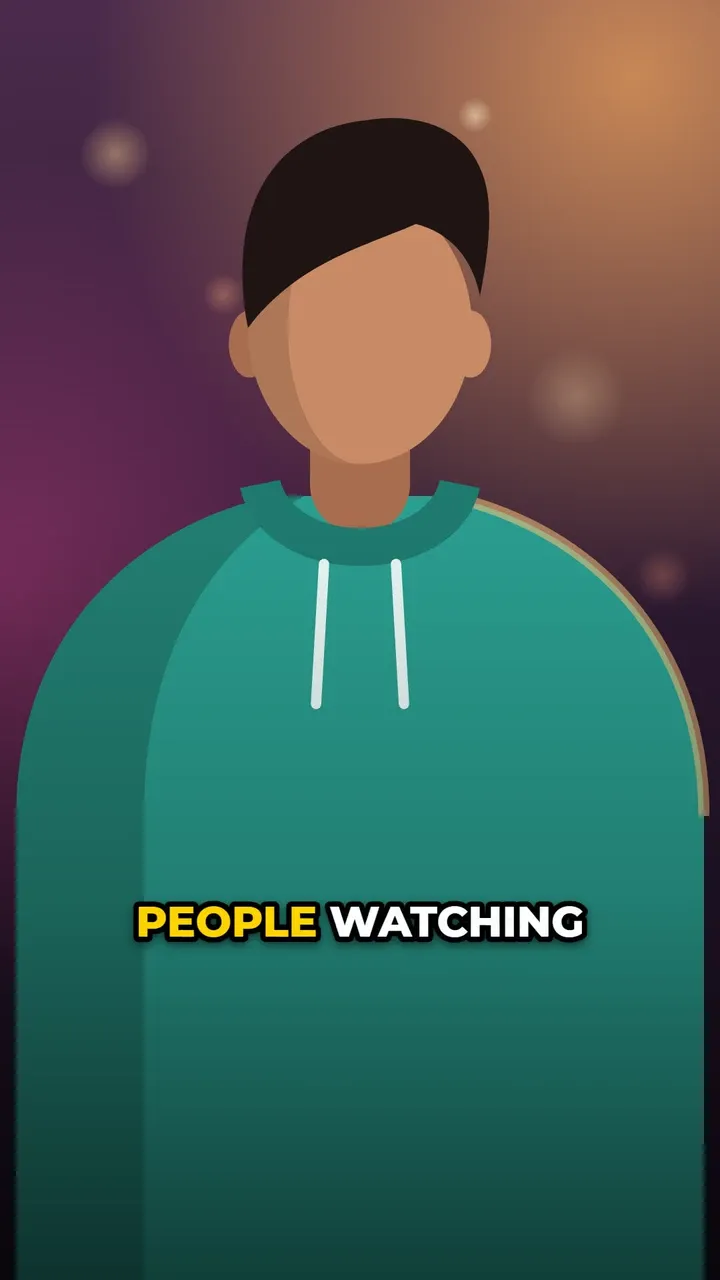
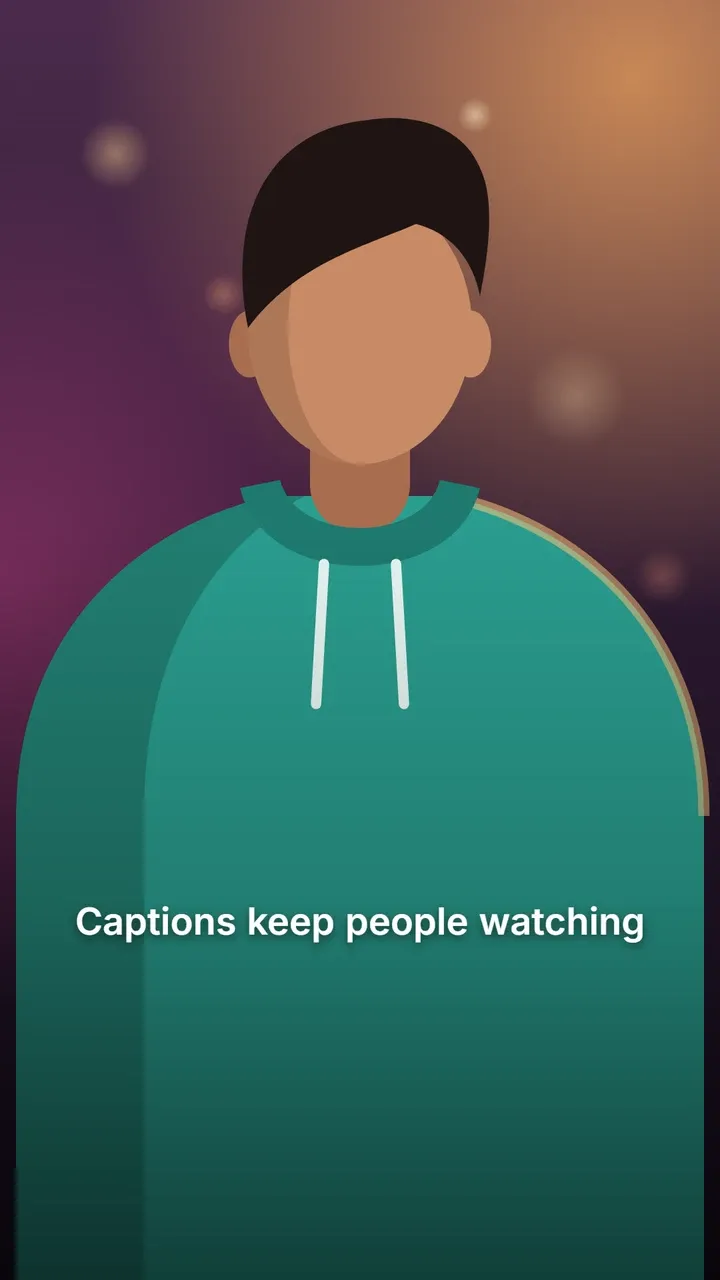
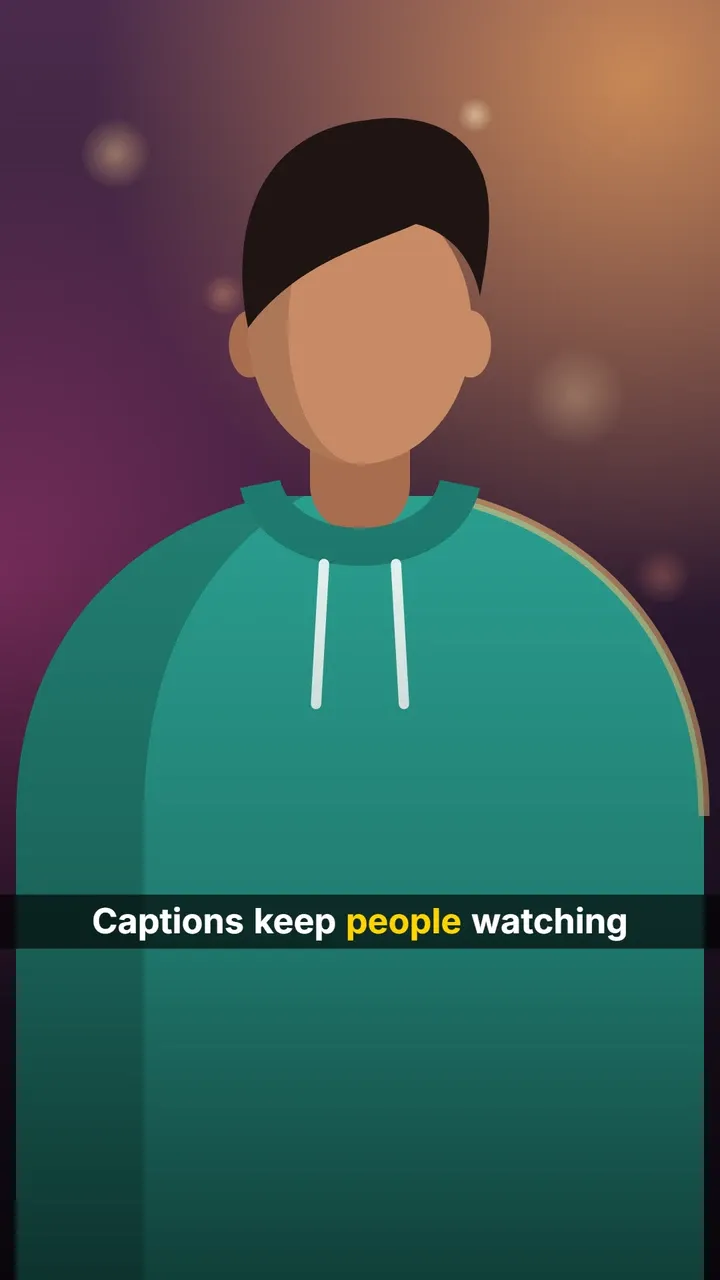
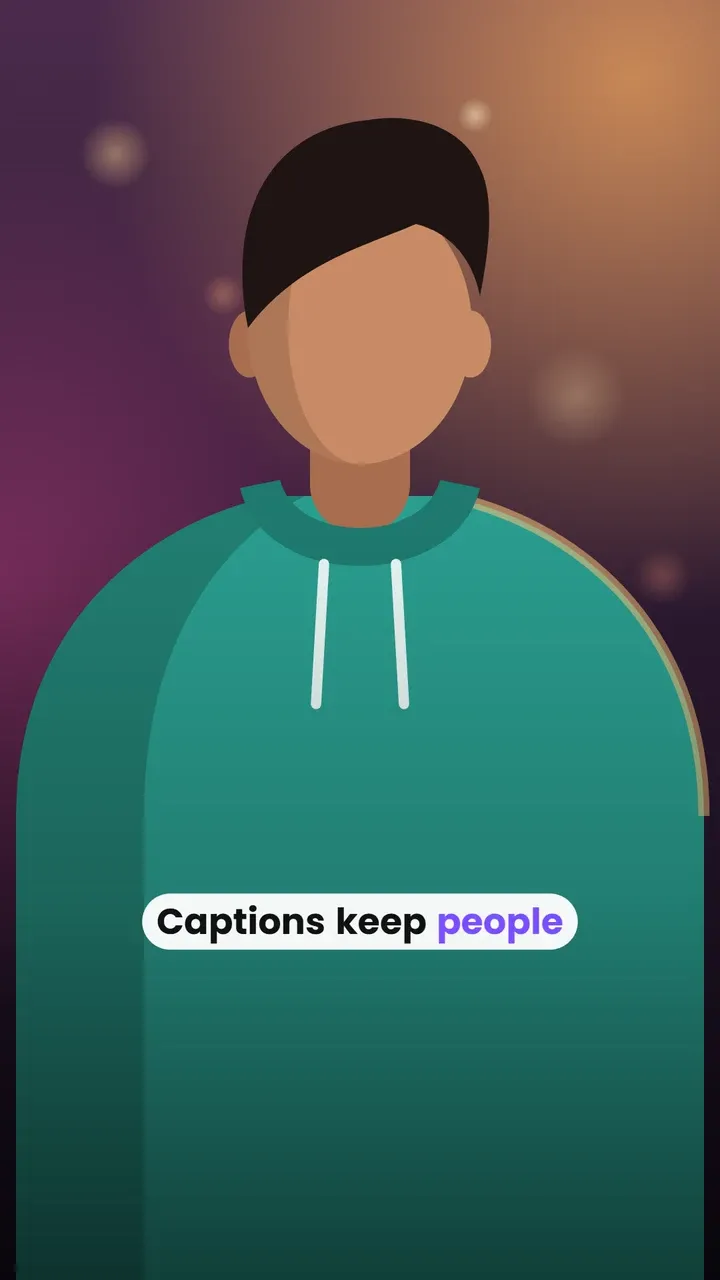
- You want animated, word-by-word captions for Reels, Shorts and TikTok.
Ready to try it? Open the editor, add a video and pick a style: Karaoke for talking heads, Minimal for clean subtitles.
Questions
Does VEED's free plan add a watermark?
Yes. VEED's help centre says the watermark is put on all exported videos while the account has a free subscription, and that free exports are 720p only.
Is CaptionOnReel's output watermark-free?
Yes. The exported MP4 has only your video and your captions on it, at your video's size up to 1080p.
Can CaptionOnReel make subtitle files like VEED?
Not at the moment: CaptionOnReel burns the captions into the MP4. VEED's tool page says subtitle file downloads come with a paid plan.
Sources
Facts about VEED were checked on its own pages on 28 October 2026. Prices and plans change, so check them before you decide. VEED is a trademark of its owner; CaptionOnReel is not affiliated with it.